
Government forms that work for every resident
Permit applications, benefit requests, contact forms, election registrations — government forms are how residents access services. Govzu checks that every form on your site is accessible, clearly labeled, and usable by people who rely on assistive technology or keyboard navigation.
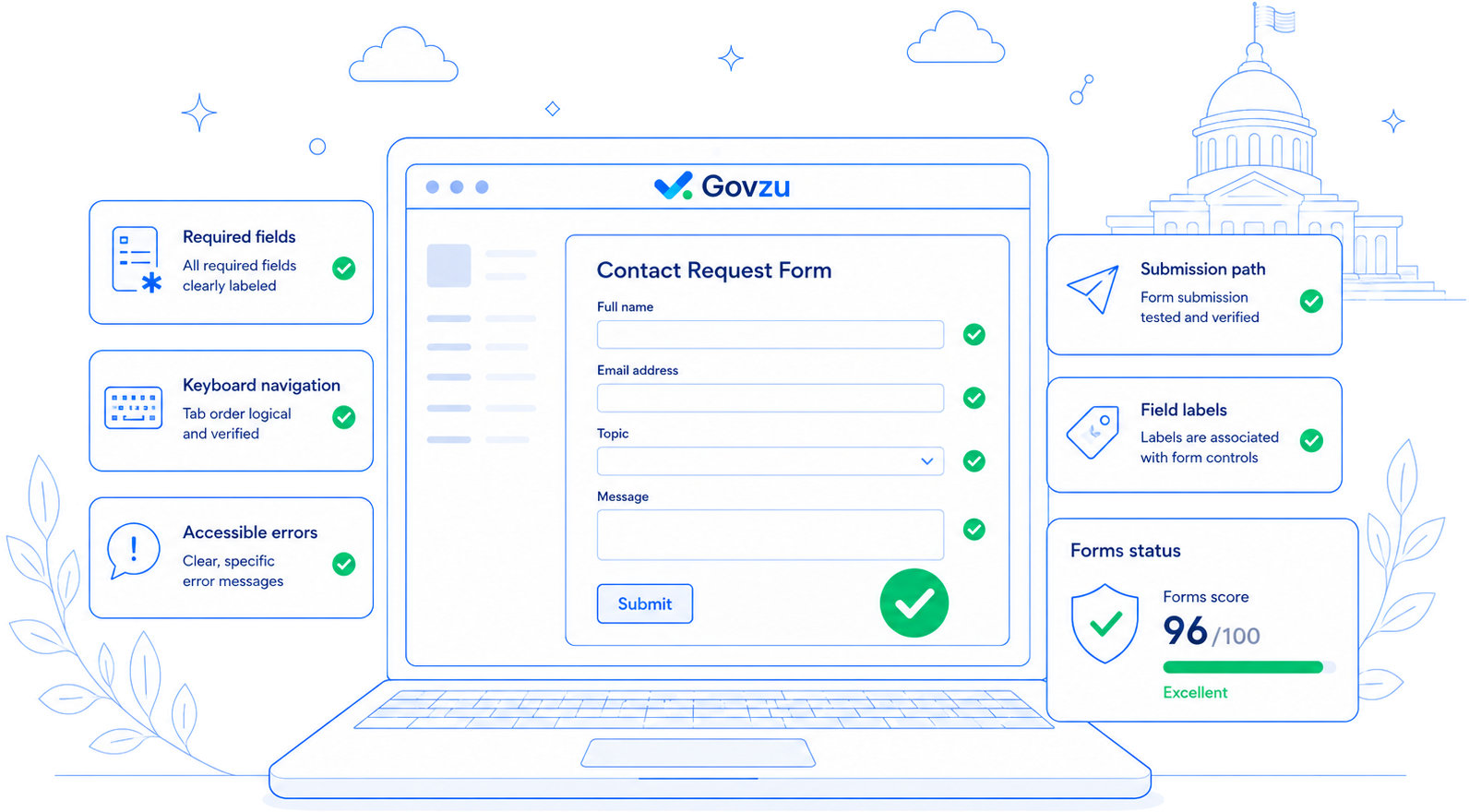
Forms checks in Govzu
Every check runs automatically on your schedule. Issues are prioritized by severity so your team knows exactly where to focus.
Label associations
Verifies that every form input has a programmatically associated label using for/id pairing or aria-labelledby.
Error message clarity
Checks that validation errors are announced to screen readers, identify the field in error, and describe how to fix the problem.
Required field marking
Ensures required fields are marked both visually and programmatically (aria-required) — not just with a color indicator.
Autocomplete attributes
Checks that personal information fields (name, address, email, phone) include appropriate HTML autocomplete attributes.
Accessible submit buttons
Verifies that submit buttons have descriptive accessible names and are not disabled-by-default in ways that confuse screen reader users.
CAPTCHA alternatives
Flags CAPTCHAs that lack audio or alternative mechanisms, which can completely block assistive technology users.
The compliance case for forms
WCAG 2.2 includes specific success criteria for forms under Guideline 1.3 (Adaptable), 2.4 (Navigable), 3.3 (Input Assistance), and others. A form that a screen reader user cannot complete is not just inaccessible — it may be a violation of ADA Title II that can trigger a formal complaint.
Government forms are often the difference between a resident accessing a service or being turned away. Govzu’s form checks are specifically tuned to the patterns common in government web platforms.
What a flagged forms issue looks like
Govzu surfaces issues with clear context so your team can understand and act without decoding technical jargon.
Contact form: 4 inputs without labels
The Name, Email, Phone, and Message fields use placeholder text instead of proper HTML labels. Placeholders disappear on input and are not reliably announced by all screen readers.
Permit application: errors not linked to fields
When the permit form is submitted with errors, the error messages appear at the top of the page but do not reference which fields failed or provide links to them.
Registration form: required fields color-only
Required fields are indicated by a red asterisk without a text legend or aria-required attribute. Users who cannot perceive color receive no indication that fields are mandatory.