
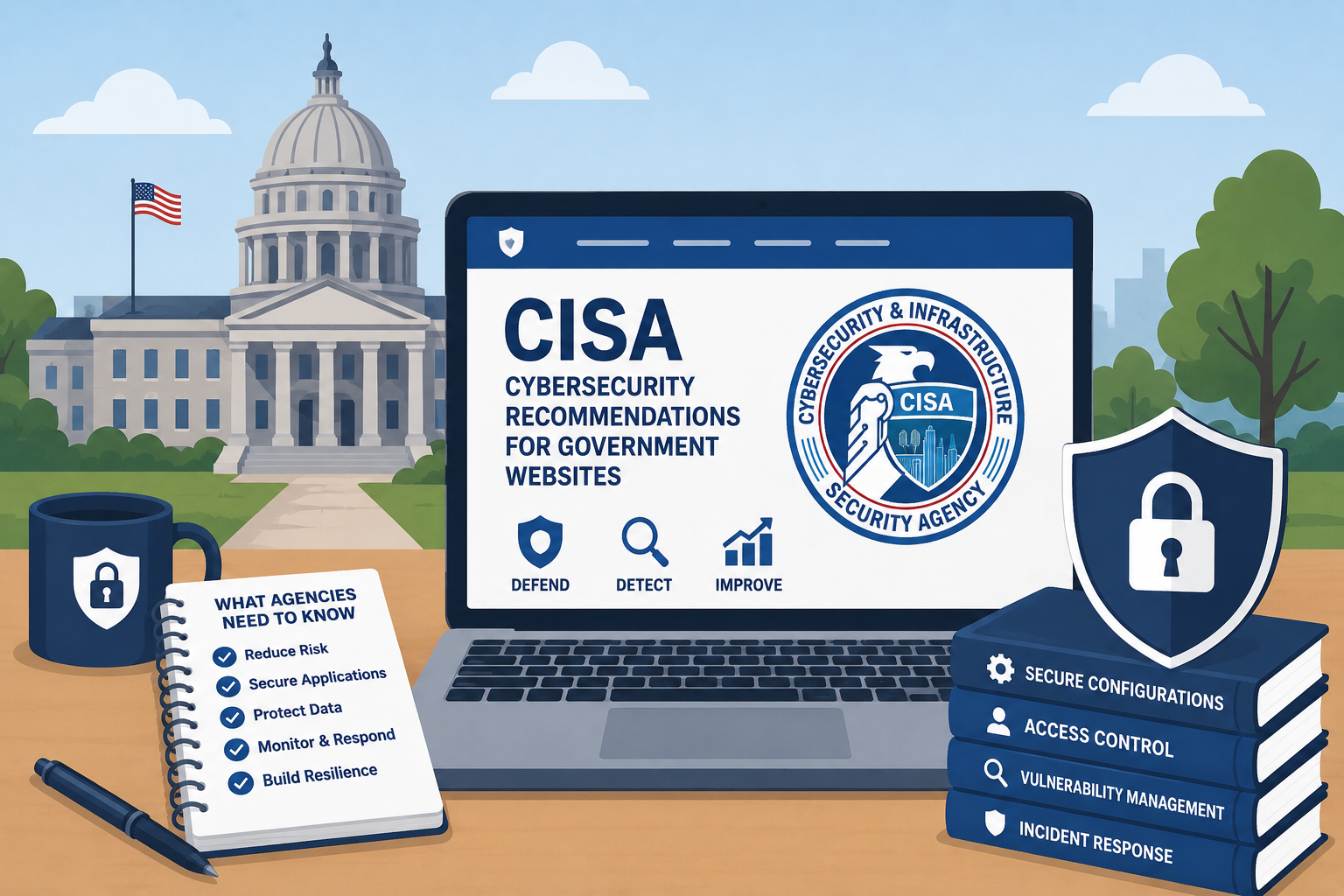
TL;DR: CISA’s Binding Operational Directives are mandatory for federal civilian agencies, but state and local governments should treat them as the practical security baseline for their websites. HTTPS with HSTS, a full suite of security headers, current SSL certificates, and regular vulnerability scanning are not optional extras — they’re the floor.
Government websites are a target. They carry public trust, they often connect to backend systems handling sensitive data, and threat actors know that resource-constrained agencies sometimes lag on patching and configuration hardening. The Cybersecurity and Infrastructure Security Agency (CISA) exists partly to solve this problem — providing binding directives to federal agencies and advisory guidance that state and local governments would be wise to follow.
This article explains what CISA recommends for government web security, which directives are binding and which are advisory, and what your agency should be doing right now.
What CISA Is and Why It Matters for Government Web Teams
CISA is the federal agency responsible for defending the nation’s critical infrastructure, including government information systems, from cyber threats. Established under the Cybersecurity and Infrastructure Security Agency Act of 2018 (6 U.S.C. § 651 et seq.), CISA sits within the Department of Homeland Security and serves as the operational lead for federal civilian cybersecurity.
CISA’s relevance to government web teams comes primarily through two channels:
- Binding Operational Directives (BODs): Legally binding mandates issued to federal civilian executive branch agencies requiring specific security actions.
- Advisory guidance: Non-binding best practice documents, alerts, and resources available to all government entities, including state, local, tribal, and territorial (SLTT) governments.
If you’re a federal civilian agency, CISA’s BODs are mandatory. If you’re a state or local agency, they’re not legally binding — but they represent the security standard that federal agencies are held to, they’re free to adopt, and they’re what auditors, legislators, and the public increasingly expect. Many state IT offices have formally adopted CISA’s BODs as policy for state agency websites.
Binding Operational Directive 18-01: HTTPS Everywhere
BOD 18-01, issued in 2017, remains the foundational web security directive. It requires all federal civilian executive branch websites to:
- Be accessible only over HTTPS.
- Disable SSL 2.0/3.0 and TLS 1.0/1.1 (only TLS 1.2 and 1.3 are acceptable).
- Implement HTTP Strict Transport Security (HSTS) with a minimum
max-ageof one year. - Work toward HSTS preloading (submitting your domain to browsers’ HSTS preload lists so browsers never make an unencrypted connection).
- Disable 3DES and RC4 cipher suites.
The intent is straightforward: eliminate the possibility of a visitor accidentally accessing your site over an unencrypted connection, and prevent attackers from downgrading connections to weak cryptography.
For SLTT agencies, the practical implication is that any government website still serving pages over HTTP, using expired or weak TLS certificates, or missing HSTS headers is operating below the standard that federal agencies have been required to meet for nearly a decade. This should be an embarrassment in most cases and a liability in all of them.
What this means for your site:
- Every page, every asset, every API endpoint must load over HTTPS. No mixed content (HTTPS page loading HTTP scripts or images).
- Your SSL certificate must be from a trusted certificate authority, current, and not expiring within 30 days without a renewal plan.
- Your server must respond to HTTP requests with a redirect to HTTPS.
- Your HTTPS response must include the
Strict-Transport-Securityheader.
Binding Operational Directive 19-02: Vulnerability Disclosure Policies
BOD 19-02 requires federal civilian agencies to establish a vulnerability disclosure policy (VDP) — a published process by which security researchers can report vulnerabilities they discover in your internet-facing systems without fear of legal reprisal.
A VDP has two components: a published policy page (stating what systems are in scope, what types of testing are permitted, and how to submit a report) and an operational process for receiving and acting on reports within defined timeframes (initial response within 15 days under BOD 19-02; remediation of critical vulnerabilities within 15 days and high-severity within 30 days).
For SLTT agencies, publishing a vulnerability disclosure policy is an increasingly expected practice. It signals maturity, reduces the risk that a researcher who finds a flaw will go public before you can fix it, and gives your team a defined process for handling incoming reports.
The CISA Known Exploited Vulnerabilities Catalog
The CISA KEV catalog (available at cisa.gov/known-exploited-vulnerabilities-catalog) is one of the most practical security tools CISA provides. It’s a continuously updated list of software vulnerabilities that have been actively exploited in the wild. BOD 22-01 requires federal agencies to remediate KEV catalog vulnerabilities within defined timeframes (typically 14 days for critical, two weeks to six months for others).
For government web teams, the KEV catalog is directly relevant to your web infrastructure:
- Web servers: Apache, Nginx, IIS vulnerabilities appear in the catalog regularly.
- Content Management Systems: WordPress, Drupal, and other CMS platforms have appeared in the catalog. Outdated plugins are a common attack vector.
- Web application frameworks: Vulnerabilities in underlying frameworks and libraries.
You don’t have to wait for a vendor patch notification. Subscribe to CISA alerts, monitor the KEV catalog, and cross-reference against the software versions running on your web infrastructure. If your CMS or web server version has a known exploited vulnerability, that is an emergency remediation task.
The Security Headers Your Website Should Be Sending
Security headers are HTTP response headers that instruct browsers how to behave when loading your site. They’re a lightweight, high-value security control — typically a server or application configuration change that takes minutes to implement but meaningfully reduces your attack surface. See our security headers implementation guide for step-by-step instructions.
CISA guidance, along with industry standards from OWASP and the Mozilla Observatory, recommends the following headers for government websites:
HTTP Strict Transport Security (HSTS)
Strict-Transport-Security: max-age=31536000; includeSubDomains; preload
Tells browsers to only connect to your site over HTTPS for the duration of max-age (one year is standard). includeSubDomains extends this to all subdomains. preload signals your intent to be included in browser preload lists — this requires submitting to hstspreload.org separately.
Content-Security-Policy (CSP)
The Content-Security-Policy header tells browsers what sources of content (scripts, styles, images, fonts, frames) are trusted and should be loaded. A properly configured CSP is your primary defense against cross-site scripting (XSS) attacks, which remain one of the most common web vulnerabilities.
A restrictive CSP can be complex to configure without breaking site functionality, but even a permissive starting policy that blocks inline scripts and restricts frames is better than nothing. Work toward a CSP that explicitly allows only your known sources.
X-Frame-Options
X-Frame-Options: DENY
or
X-Frame-Options: SAMEORIGIN
Prevents your website from being loaded inside an <iframe> on another site. This protects against clickjacking attacks where a malicious page loads your site in an invisible frame and tricks users into clicking elements they can’t see. DENY prevents all framing; SAMEORIGIN allows your own site to frame itself (necessary for some applications).
X-Content-Type-Options
X-Content-Type-Options: nosniff
Prevents browsers from guessing (sniffing) the MIME type of a response and treating it as something other than what the server declared. This blocks a class of attacks involving uploaded files being interpreted as executable scripts.
Referrer-Policy
Referrer-Policy: strict-origin-when-cross-origin
Controls how much information is included in the Referer header when visitors navigate from your site to an external link. A strict policy prevents the full URL (which may contain session tokens or sensitive parameters) from being sent to third-party sites.
Permissions-Policy
Permissions-Policy: geolocation=(), microphone=(), camera=()
Restricts which browser features and APIs are available on your site. If your government website has no legitimate need to access a visitor’s camera, microphone, or precise location, explicitly denying those permissions reduces the attack surface if a third-party script is ever compromised.
The Cross-Agency Priority Goal on Cybersecurity: Visibility
CISA, alongside OMB, has emphasized visibility into your own attack surface as a prerequisite to effective defense. You cannot protect what you cannot see.
For government web teams, this means maintaining an accurate inventory of:
- All internet-facing web properties (not just the main site — also subsites, legacy portals, microsites, staff-facing applications accessible from the internet).
- All software versions running on those properties (CMS, plugins, server software, application framework versions).
- All third-party services with access to your web infrastructure.
- All open ports and services on your web servers.
Many agencies are surprised when they actually enumerate their internet-facing footprint. Forgotten subdomains, legacy microsites, and abandoned portals often turn up — running outdated software, with no one responsible for patching them.
What State and Local Agencies Should Do
Adopt CISA’s BODs as internal policy. This doesn’t require legislation or formal rulemaking. A simple IT policy document stating that CISA BOD 18-01, 19-02, and 22-01 standards apply to all agency web properties gives your team clear direction and gives leadership a defensible standard.
Run regular scans. Free tools like Qualys SSL Labs (ssllabs.com/ssltest) and Mozilla Observatory (observatory.mozilla.org) will test your HTTPS configuration and security headers in minutes. CISA offers free scanning services to SLTT agencies through its Cyber Hygiene (CyHy) program — contact CISA to enroll.
Subscribe to CISA advisories. Sign up for CISA’s alert emails at cisa.gov/subscribe-updates-cisa. When CISA issues an emergency directive or advisory about an actively exploited vulnerability, your team should hear about it the same day.
Don’t rely on “set and forget.” The most common failure mode in government web security isn’t a sophisticated attack — it’s a configuration that was fine when it was set up but degraded over time. SSL certificates expire. CMS plugins fall out of maintenance and stop receiving security patches. A web server version that was current in 2022 may have five known exploited vulnerabilities today.
Keep your CMS and plugins current. If your site runs on WordPress, Drupal, or another CMS, plugin updates are security updates. A significant proportion of government site compromises trace back to a vulnerable plugin that hadn’t been updated in months or years.
Why “Set and Forget” Fails in Practice
Government web teams often configure security correctly at launch — and then leave it alone for years. The problem is that the threat landscape doesn’t stay still.
A certificate that was valid for two years will expire. A jQuery plugin that was secure in 2021 may have three CVEs today. A TLS configuration that was acceptable under BOD 18-01 when implemented may now be below the current minimum standard as cryptographic best practices evolve.
Security is a continuous maintenance discipline, not a one-time project. The agencies that stay secure are the ones with regular review cycles — automated scanning, certificate expiration monitoring, dependency audits, and someone responsible for acting on the results.
Security is one pillar of a complete government website compliance checklist that also covers accessibility, privacy policy requirements, and performance. Govzu monitors government websites continuously against CISA’s security recommendations — tracking certificate expiration, security header presence and configuration, known vulnerability signals, and mixed content issues — so your team knows when something has fallen out of compliance before it becomes a breach. Learn more at govzu.com.