
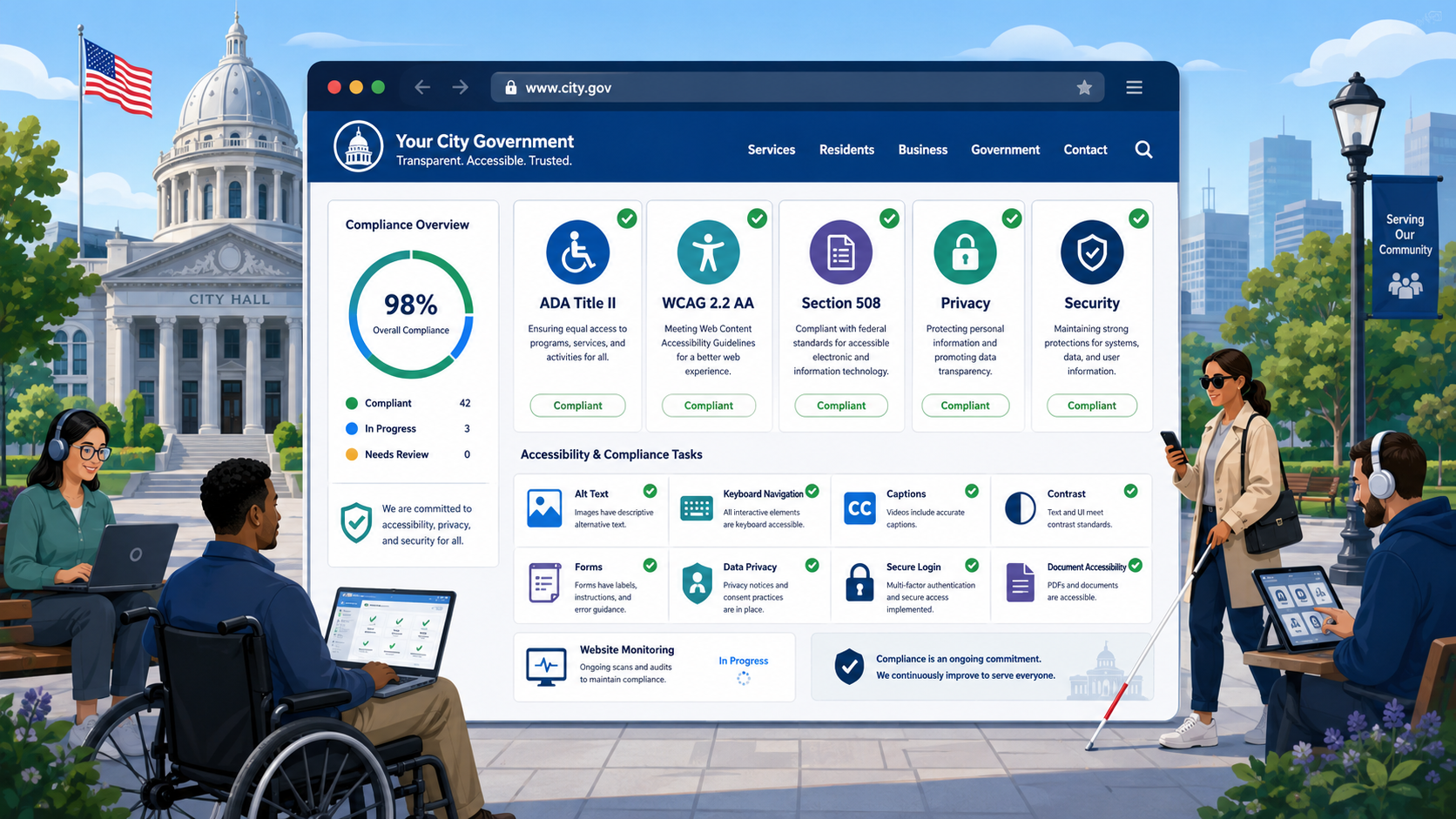
TL;DR: Government website compliance isn’t one thing — it’s the intersection of accessibility law, privacy obligations, cybersecurity standards, and performance expectations. This checklist covers every major category in one place. Use it as a starting audit tool, not a one-time exercise.
A government website that looks good on the surface can be out of compliance in half a dozen ways simultaneously. An image-heavy homepage with no alt text. An SSL certificate expiring in two weeks. A privacy policy that hasn’t been updated since the site launched in 2019. A contact form whose error messages say only “invalid input.” Each of these is a problem on its own. Together, they represent significant legal, operational, and reputational risk.
This checklist is organized by compliance domain. It’s not exhaustive — every jurisdiction has its own additional requirements — but it covers the baseline that virtually every government website in the United States should meet.
Section 1: Accessibility (WCAG 2.2 Level AA)
ADA Title II and Section 508 of the Rehabilitation Act (29 U.S.C. § 794d) require government websites to be accessible to people with disabilities. The Department of Justice’s final rule (March 2024) specifies WCAG 2.1 Level AA as the technical standard for ADA Title II compliance, with staggered deadlines by jurisdiction size. WCAG 2.2 AA supersedes 2.1 AA and is the current best practice target.
Images and Media
- All meaningful images have descriptive, accurate alt text that conveys the image’s purpose.
- Decorative images have empty alt attributes (
alt=""), not missing alt attributes. - All videos have synchronized captions — not auto-generated captions that haven’t been reviewed for accuracy.
- Audio-only content (podcasts, announcements) has a full text transcript.
- Complex images (charts, maps, infographics) have either a long description in the surrounding text or a linked detailed description.
Color and Contrast
- Body text meets a contrast ratio of at least 4.5:1 against its background (WCAG SC 1.4.3).
- Large text (18pt or 14pt bold) meets a contrast ratio of at least 3:1.
- UI components (form borders, button outlines, focus indicators) meet a contrast ratio of at least 3:1 (WCAG SC 1.4.11).
- Information is not conveyed by color alone — for example, required form fields are not marked only with red text.
Keyboard and Navigation
- Every interactive element (links, buttons, form controls, menus) is reachable and operable using only a keyboard.
- There are no keyboard traps — a user who tabs into a modal, menu, or widget can also tab out without using a mouse.
- A visible focus indicator appears when any element receives keyboard focus.
- A skip navigation link is present and is the first focusable element on the page, allowing keyboard users to bypass repeated navigation.
- Dropdown menus and navigation patterns are operable with arrow keys in addition to Tab.
Page Structure and Semantics
- Each page has a unique, descriptive
<title>element that identifies the page content and the site name. - The page has a logical heading hierarchy: one H1 per page describing the main content, with H2s for major sections and H3s for subsections. No heading levels are skipped.
- The page uses semantic HTML elements (nav, main, header, footer, section, article) to define page regions, enabling screen reader navigation by landmark.
- Lists are marked up with
<ul>,<ol>, or<dl>rather than styled paragraphs. - Tables used for tabular data have header cells (
<th>) with appropriate scope attributes; data tables are not used for layout.
Forms
- Every form input has a visible, programmatically associated label — using
<label for>oraria-labelledby, not just placeholder text. - Required fields are indicated both visually and programmatically (using
aria-required="true"). - Error messages identify the specific field in error by name and describe how to correct the problem.
- Success confirmation is provided after form submission.
- CAPTCHA has an accessible alternative for users who cannot complete the visual or audio challenge.
- Form controls can be completed without a time limit, or the time limit can be extended.
Documents
- PDF documents published on the site are tagged for accessibility (not scanned image PDFs).
- PDFs have a defined reading order, document title, and alt text for images.
- New documents posted to the site meet accessibility requirements before publication.
Section 2: Legal and Policy Pages
Required Disclosures
- A privacy policy is published, current (updated within the last 12 months or when practices changed), and accessible from every page footer.
- The privacy policy accurately describes all data collection practices, including third-party analytics and services.
- An accessibility statement is published, including the accessibility standard the site targets, known limitations, and how to request an accessible alternative.
- A cookie disclosure or dedicated cookies section in the privacy policy is present if the site uses third-party analytics, embedded social media, or advertising trackers.
Additional Policy Pages
- Terms of use are published for transactional services (permit portals, online payments, account creation).
- A notice of nondiscrimination is published, consistent with Title VI of the Civil Rights Act and any applicable state nondiscrimination laws.
- Contact information for the website owner or responsible agency is easily findable.
- If the site links to third-party sites, a disclaimer or notice explains that those sites are not under the agency’s control.
Section 3: Security
Security failures on government websites are not just IT problems — they erode public trust, expose resident data, and create legal liability. These items reflect CISA’s Binding Operational Directive 18-01 requirements (mandatory for federal agencies; recommended baseline for SLTT agencies) and OWASP web security standards.
HTTPS and Transport Security
- The entire site is served over HTTPS. All HTTP requests are redirected to HTTPS.
- There is no mixed content — HTTPS pages do not load scripts, stylesheets, images, or other resources over HTTP.
- The SSL/TLS certificate is from a trusted certificate authority and is not expired.
- The SSL certificate is not expiring within 30 days without an active renewal plan.
- TLS 1.2 or 1.3 is in use. TLS 1.0 and 1.1 are disabled. SSLv2 and SSLv3 are disabled.
- The HSTS header is present:
Strict-Transport-Security: max-age=31536000; includeSubDomains.
Security Headers
-
Content-Security-Policyheader is configured and restricts known content sources. -
X-Frame-Options: DENYorSAMEORIGINheader is present (clickjacking protection). -
X-Content-Type-Options: nosniffheader is present. -
Referrer-Policyheader is present and set to a restrictive value (e.g.,strict-origin-when-cross-origin). -
Permissions-Policyheader is present and disables browser features the site doesn’t use.
Software and Vulnerability Management
- The CMS (WordPress, Drupal, etc.) is running the current stable version.
- All CMS plugins and themes are up to date. Abandoned plugins (no updates in 12+ months) have been reviewed and removed where possible.
- Web server software (Apache, Nginx, IIS) is running a current, supported version.
- No known exploited vulnerabilities in the CISA KEV catalog affect the current web server or CMS software version.
- Default credentials have been changed on all web-facing systems and admin panels.
- Administrative interfaces are not exposed to the public internet, or are protected by MFA and IP allowlisting.
Section 4: Performance
Website performance is not just a user experience issue — it’s an equity issue. Residents who depend on government services often access them on mobile devices over cellular connections. A slow government website is an inaccessible one.
The Core Web Vitals, measured and reported by Google, are the current standard for web performance assessment.
Core Web Vitals Targets
- Largest Contentful Paint (LCP) under 2.5 seconds. LCP measures how long it takes for the largest visible content element (typically the hero image or main heading) to load. Pages failing this threshold feel slow.
- Cumulative Layout Shift (CLS) under 0.1. CLS measures unexpected layout movement — content shifting as the page loads. High CLS causes mis-clicks and is particularly disruptive for users with motor or cognitive disabilities.
- Interaction to Next Paint (INP) under 200 milliseconds. INP measures responsiveness to user interactions across the page lifecycle.
Mobile and Low-Bandwidth Performance
- The site loads usably on a mobile device using a simulated 3G connection within 5 seconds.
- Images are appropriately sized — not serving 3000px wide images for a 400px layout slot.
- Images are served in modern formats (WebP or AVIF) with JPEG/PNG fallbacks.
- JavaScript and CSS are minified.
- Browser caching is enabled for static assets.
Section 5: Forms and Transactions
Government forms are high-stakes interactions. A broken or inaccessible form may mean a resident can’t pay a bill, submit a permit, or request emergency assistance. This section covers both accessibility and functional requirements.
Form Usability and Accessibility
- Every form field has a visible, associated label.
- Placeholder text is not used as a substitute for a label.
- Error messages specifically identify the field with the error and explain how to correct it — not just “please correct the errors above.”
- Success confirmation is provided after submission — not just a blank page reload.
- Multi-step forms show progress and allow users to review before submitting.
- Conditional logic (fields that appear based on earlier answers) is implemented accessibly with ARIA live regions.
Transactional Security
- Payment forms are served over HTTPS from a PCI-DSS compliant payment processor.
- The site does not store raw payment card data.
- Form submissions are protected against cross-site request forgery (CSRF tokens).
How to Use This Checklist
Don’t try to address every item at once. Use this checklist as a baseline audit tool:
- Start with a sweep of Section 3 (Security) — failures here are the highest urgency. An expired certificate or missing HSTS header is a same-week fix.
- Move to Section 1 (Accessibility) — prioritize your highest-traffic pages: homepage, contact, services, forms. Not every page needs remediation on day one.
- Check Section 2 (Legal pages) — pull up your privacy policy and confirm it accurately reflects your current practices.
- Run Section 4 (Performance) — use Google PageSpeed Insights (pagespeed.web.dev) for a free, instant assessment.
- Document everything — maintain a remediation log with dates. If a complaint is ever filed, your documentation is evidence of good-faith effort.
One critical point: this checklist reflects a moment in time. Compliance is not a one-time audit — it’s a continuous state. Certificates expire. Plugins go out of date. New content gets added without alt text. New embeds set new cookies.
Govzu monitors government websites continuously against every category in this checklist — flagging accessibility failures, security regressions, missing policy pages, and performance degradation as they happen rather than waiting for the next annual audit. Learn more at govzu.com.