
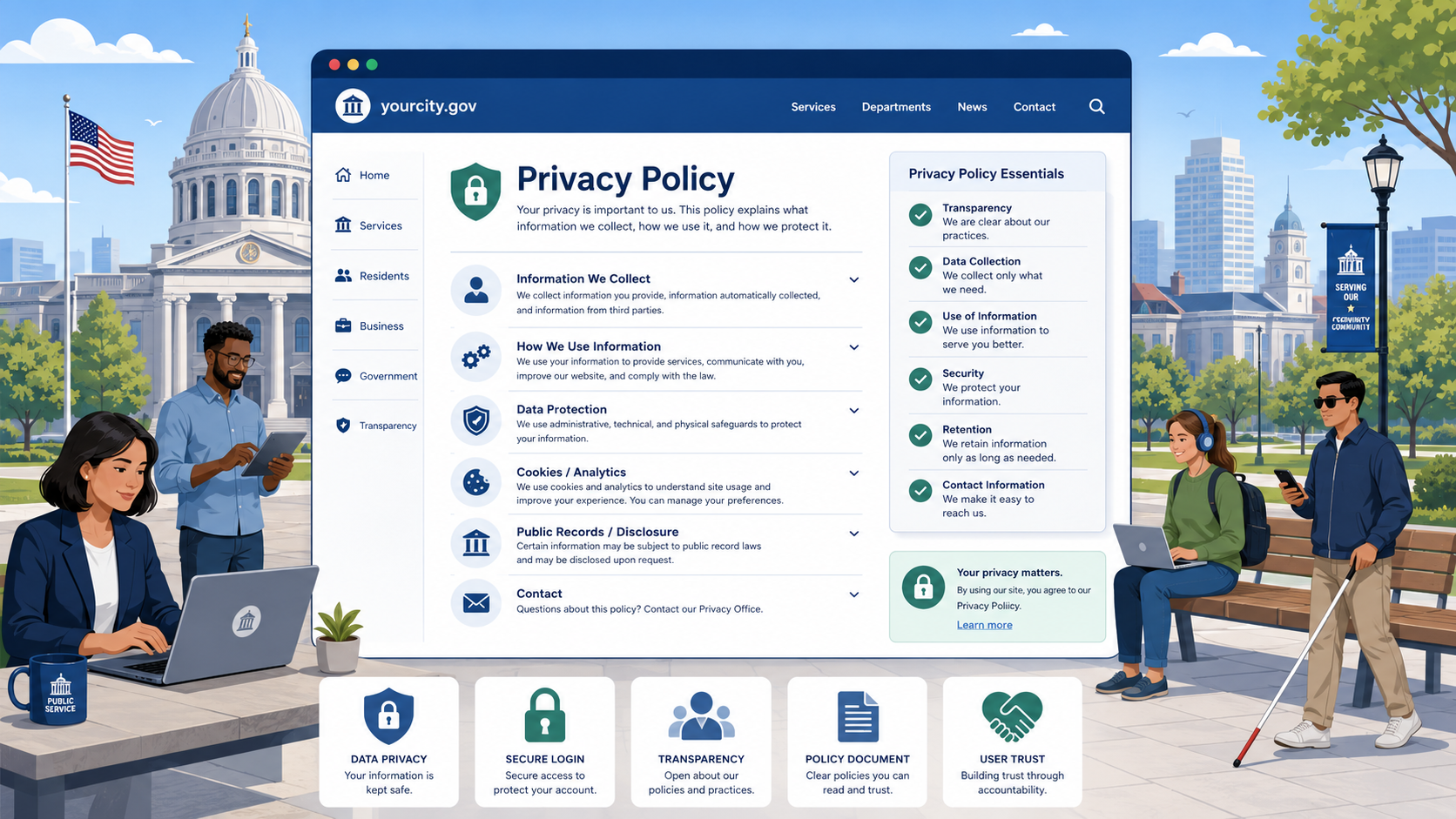
TL;DR: A government website privacy policy isn’t optional, and copying a boilerplate from another site is a liability. Write one that accurately reflects your actual data practices, covers automatic data collection, form submissions, third-party services, and data retention, and publish it in a place visitors can actually find it.
When a resident submits a permit application through your website, they’re trusting your agency with their name, address, and contact information. When they pay a water bill online, they’re trusting you with financial data. When they simply visit your homepage, your analytics tool may be recording their IP address and browsing behavior. None of that is inherently wrong — but residents have a right to know it’s happening, and government agencies have an obligation to tell them.
A privacy policy is how you fulfill that obligation. Done right, it’s also a concrete demonstration of good governance.
Why Government Websites Need a Privacy Policy
The requirement to publish a privacy policy isn’t purely voluntary goodwill. Several legal frameworks make it either mandatory or functionally necessary:
Federal agencies must comply with OMB Circular A-130, Managing Information as a Strategic Resource, which requires that agencies protect the privacy of individuals whose information they collect, maintain, or use. The Privacy Act of 1974 (5 U.S.C. § 552a) governs how federal agencies handle personal information maintained in systems of records. The E-Government Act of 2002 (44 U.S.C. § 3501 et seq.) explicitly requires federal agencies to post privacy policies on their websites.
State and local agencies face varying requirements depending on their state privacy laws, but most states have some combination of open government statutes, data privacy laws, and data breach notification requirements that either directly mandate privacy disclosures or make them a prudent compliance measure. California’s Information Practices Act (Civil Code § 1798 et seq.), for example, imposes specific requirements on state agencies. Many state AGs have issued guidance recommending that all government websites post privacy policies.
Beyond legal compliance, there’s a practical reason: if a resident files a public records request or a complaint about how their data was handled, your published privacy policy is your first line of documentation. Agencies without a current, accurate privacy policy are in a much weaker position to demonstrate that their data practices are lawful.
What Visitors Actually Want to Know
Before getting into what the policy must include, it helps to think about what a resident is actually trying to understand when they read it:
- Is this website collecting information about me?
- What information, specifically?
- Why do you need it?
- Who else can see it — other agencies, private companies, law enforcement?
- How long do you keep it?
- Can I ask you to delete it, and will you?
- Who do I contact if I have questions or concerns?
A privacy policy that answers these questions in plain English serves residents far better than a dense legal document drafted by outside counsel that technically complies but is impenetrable to a typical person.
What a Government Privacy Policy Must Include
Data Collected Automatically
Every time someone visits your website, your web server and any analytics tools you run collect some data automatically. Your privacy policy must describe this:
- IP address: Every web request includes the visitor’s IP address. This is inherently collected by your server logs.
- Browser type and version: The browser sends this information with every request.
- Operating system: Similarly included in HTTP request headers.
- Referring URL: Where the visitor came from (e.g., a Google search result).
- Pages visited, time on site, session duration: Collected by analytics tools.
- Date and time of the visit.
Describe what you collect, how long you retain it (server logs, analytics data), and who has access to it (your IT staff, your analytics vendor). If you use Google Analytics, name it explicitly. If you use a different analytics platform, name that.
Data Submitted Voluntarily
This covers anything a visitor actively provides by filling out a form or completing a transaction:
- Contact forms: Name, email address, message content.
- Service requests: Address, account number, description of the problem.
- Permit and license applications: Detailed personal and business information.
- Online payments: Payment card data (typically handled by a payment processor, not stored by your agency directly — but you should say so).
- Account registrations: Username, password, email address.
- Newsletter or notification sign-ups: Email address, preferences.
For each category, explain what you do with the information, how long you keep it, and whether it may be disclosed (e.g., “permit applications become part of the public record”).
Cookies and Tracking Technologies
Dedicate a section specifically to cookies. Many residents now know what cookies are and will look for this. For a deeper look at when banners are required and what must be disclosed, see our guide to government website cookie banner requirements. Cover:
- What cookies your site sets (session cookies, analytics cookies, preference cookies).
- Which ones are set by third parties (your analytics provider, embedded maps, embedded video players).
- How long cookies persist.
- How visitors can opt out or manage cookies.
If you’ve embedded YouTube videos, Google Maps, or social media feeds, those services set their own cookies. Acknowledge this and link to their respective privacy policies.
Third-Party Services
Government websites routinely rely on third-party tools that handle visitor data. These should be disclosed by name:
- Analytics platforms (Google Analytics, Adobe Analytics, Matomo).
- Payment processors (Stripe, PayGov, PayPal, Municipal payment platforms).
- Mapping services (Google Maps, Esri/ArcGIS Online).
- Video hosting (YouTube, Vimeo).
- Accessibility tools (UserWay, AccessiBe — though note these have their own privacy considerations).
- Content delivery networks (CDN providers may see traffic metadata).
- Chatbots or virtual assistants.
For each, briefly describe what data they may receive and link to their privacy policy. This is not about offloading responsibility — it’s about being honest with residents that data flows beyond your direct control.
Data Retention Policies
One of the most commonly omitted sections. Residents have a legitimate interest in knowing how long their data is kept. Provide specifics where you can:
- Server logs: retained for how long?
- Analytics data: how long does your analytics platform retain raw data?
- Form submissions: retained for how long in your CRM or database?
- Public records: acknowledge that records that become part of the public record may be retained indefinitely per your state’s records retention schedule.
If you’re subject to a state records retention schedule (most government agencies are), mention this and link to it if it’s publicly available.
How to Contact the Agency with Privacy Questions
Include a dedicated contact for privacy-related questions. This might be:
- A privacy officer, records officer, or IT director.
- A general email address for the department that handles data requests.
- A mailing address for formal requests.
If residents have rights under your state’s privacy law (e.g., the right to request their data or request correction), describe how to exercise those rights here.
Links to Applicable Statutes
Grounding your policy in specific law builds credibility and helps residents understand their rights. Include references to:
- Your state’s primary privacy or information practices statute.
- Your state’s public records law (and note that submitted data may become a public record).
- The federal Privacy Act of 1974, if your agency is federal.
- Any other applicable law (e.g., HIPAA if your agency handles health data through a public health department website).
Plain-Language Principles
A privacy policy written in legalese that residents can’t understand is not actually doing its job. The plain-language standards under the Plain Writing Act of 2010 (5 U.S.C. § 301 note) apply to federal agencies, but the principle is sound for any government communication.
Target an 8th-grade reading level. Tools like Hemingway Editor can help you assess this.
Use active voice. “We collect your IP address” is clearer than “IP addresses are collected by this system.”
Use headers. Residents are looking for specific information — headers let them find it.
Define acronyms. If you reference CCPA, HIPAA, or FOIA, spell them out first.
Avoid hedging. Phrases like “We may collect certain information in some circumstances” tell residents nothing. Say what you actually do.
What to Avoid
Don’t copy-paste a boilerplate. A privacy policy that mentions “our business partners” or “marketing communications” when you’re a city public works department is embarrassing and potentially misleading. Your policy must reflect your actual practices.
Don’t bury important disclosures. If you share data with a third-party analytics provider, that belongs in a readable, findable section — not buried in paragraph 14 of a dense document.
Don’t be vague about data sharing. Statements like “we may share data with trusted third parties” are inadequate. Name the parties and describe the purpose.
Don’t promise what you can’t deliver. If your state has broad public records laws that would require you to disclose submitted information in response to a records request, don’t imply that submitted data is confidential.
How Often to Update Your Privacy Policy
At minimum, review and update your privacy policy annually. Additionally, update it immediately when:
- You add or remove a third-party service that handles visitor data.
- You launch a new online form or transaction portal.
- You change your analytics platform.
- Your state enacts new privacy legislation that affects your practices.
- You experience a data breach (update after the incident is resolved and practices are improved).
Add a “Last Updated” date at the top of the policy. This is a simple signal to residents — and to auditors — that the document is maintained.
Where to Publish
- Every page footer. The privacy policy link should appear on every single page of your website, consistently labeled “Privacy Policy.”
- Prominently linked from every form. Any page where a visitor submits personal information should include a clear link to the privacy policy, ideally immediately adjacent to the submit button or data collection field.
- From your homepage. The footer link covers this, but make sure it’s not hidden by a cluttered footer design.
- In plain text, not just as a PDF. PDFs create accessibility barriers and are harder for screen readers to navigate. Publish your privacy policy as a standard web page.
Sample Section Headers
Here is a template set of headers you can adapt for your own policy:
- Information We Collect Automatically
- Information You Provide to Us
- How We Use the Information We Collect
- Cookies and Tracking Technologies
- Third-Party Services We Use
- How Long We Keep Your Information
- Who Can Access Your Information
- Your Rights and How to Exercise Them
- Data Security
- Links to Other Websites
- Applicable Laws and Your Rights
- Contact Us
- Changes to This Privacy Policy
Govzu continuously monitors government websites for missing or outdated privacy policies, third-party trackers, and data disclosure gaps — so you know when your site’s practices drift from your published policy rather than finding out from a resident complaint. Learn more at govzu.com.