
Guides for government web compliance
Practical articles, checklists, and guides to help your agency meet accessibility, security, and compliance requirements.
Procurement Guide: What to Ask When Buying a Government Website Compliance Tool
Buying a compliance monitoring tool for government websites? Here are the exact questions to ask vendors on coverage, accuracy, multi-site support, and data handling.
Read more →Why Government Websites Are Held to a Higher Accessibility Standard
Government websites face stricter accessibility requirements than private sites — and for good reason. Here's the legal basis, the public-service mandate, and the equal-access principle behind it.
Read more →Glossary of Government Web Compliance Terms
A plain-language glossary of the accessibility, privacy, and security terms government web teams need to know — WCAG, ADA Title II, Section 508, VPAT, CISA KEV, and more.
Read more →How to Audit Third-Party Cookies on Your Government Website
A step-by-step technical guide for government IT teams: use browser devtools to find every third-party cookie and tracker on your site, classify them, then remediate or disclose.
Read more →How to Create an Accessibility Remediation Plan
Your audit found accessibility issues — now what? A step-by-step remediation plan for government teams: triage by severity, prioritize, assign owners, and hit the 2026 deadline.
Read more →How to Manage Web Accessibility Across Decentralized University Departments
Hundreds of contributors across departments make university web accessibility a governance problem. Here's how to manage it with policy, standards, training, accountability, and continuous monitoring.
Read more →Automated vs. Manual Accessibility Testing: When You Need Both
Automated tools catch only part of WCAG issues. Here's what scanners detect, what requires human testing, and how government teams combine both effectively.
Read more →Web Compliance for Public Libraries: ADA, Privacy, and What the Law Requires
Public libraries are ADA Title II public entities. Here's what the law requires for your website, catalog, databases, and patron privacy — and how to get compliant.
Read more →How State IT Departments Can Manage Web Compliance Across Multiple Agencies
State CIOs and CISOs govern hundreds of agency sites. Here's how to manage web compliance as a portfolio: standards, central tooling, scorecards, and procurement.
Read more →What Does "Continuous Compliance Monitoring" Mean for Government Websites?
Point-in-time audits go stale the moment content changes. Here's what continuous compliance monitoring means for government websites — and why it's the only model that keeps up.
Read more →What Is a Web Accessibility Audit?
A web accessibility audit is a systematic evaluation of whether a website meets WCAG. Here's what an audit covers, who performs it, and what the report contains.
Read more →What Is OMB M-23-22 and What Does It Require of Federal and State Websites?
OMB Memorandum M-23-22 sets the federal standard for a digital-first public experience: accessibility, modern design, plain language, and performance. Here's what it requires.
Read more →WCAG 2.2 Compliance for University Websites: A Practical Checklist
A practical, education-specific WCAG 2.2 AA checklist for university websites — covering the main site, department and faculty pages, course catalogs, PDFs, lecture captions, LMS embeds, and third-party tools.
Read more →Section 504 and Web Accessibility in Higher Education: A Compliance Guide
Section 504 of the Rehabilitation Act is the primary disability statute for colleges receiving federal funds. Here's how it shapes web accessibility, and how it relates to ADA Title II and Section 508.
Read more →Why Government Website Performance Matters for Accessibility and Compliance
Slow government sites don't just frustrate users — they fail people on older devices, assistive tech, and limited connectivity. How performance ties to WCAG, Core Web Vitals, and equal access.
Read more →How to Check If Your Government Website Has Mixed Content Issues
Mixed content happens when an HTTPS page loads resources over insecure HTTP. Here's what it is, why browsers block it, and how to find and fix it on a government website.
Read more →What Are CISA Known Exploited Vulnerabilities and How Do They Affect Your Website?
CISA's Known Exploited Vulnerabilities (KEV) catalog lists flaws attackers are actively exploiting. Here's what it is, why it matters for government sites, and how to check your exposure.
Read more →What Is a Cookie Disclosure and When Is It Required?
A cookie disclosure tells visitors what cookies your government site sets and why. Learn the difference from a consent banner, when disclosure is legally required, and what to include.
Read more →How to Add ARIA Labels to Common Government Web Components
When and how to use aria-label, aria-labelledby, and aria-describedby on nav menus, search, icon buttons, modals, and more — with real code and the first rule of ARIA.
Read more →DOJ 2024 Final Rule on Web Accessibility: A Plain-Language Summary
The DOJ's April 2024 final rule under ADA Title II makes WCAG 2.1 AA the legal standard for state and local government websites. Here's what it requires, when, and what's exempt.
Read more →State Agency Website Compliance Checklist
A compliance checklist for state agency websites — managing portfolios of sites and subdomains, WCAG 2.2 AA, VPAT-based procurement, privacy, security, and cross-agency governance.
Read more →City and County Website Compliance Checklist
The master compliance checklist for municipal and county websites — WCAG 2.2 AA accessibility, the 2026 ADA Title II deadline, privacy, security, forms, PDFs, and payment vendors.
Read more →Public Library Website Compliance Checklist
A practical compliance checklist for public library websites — WCAG 2.2 AA accessibility, patron privacy, security, PDFs, and OPAC/database vendor VPATs under ADA Title II.
Read more →How to Make a Government Website Form Accessible (WCAG 2.2)
A practical guide to building accessible government forms under WCAG 2.2 AA — labels, error handling, autocomplete, and the new SC 3.3.7 and 3.3.8 criteria.
Read more →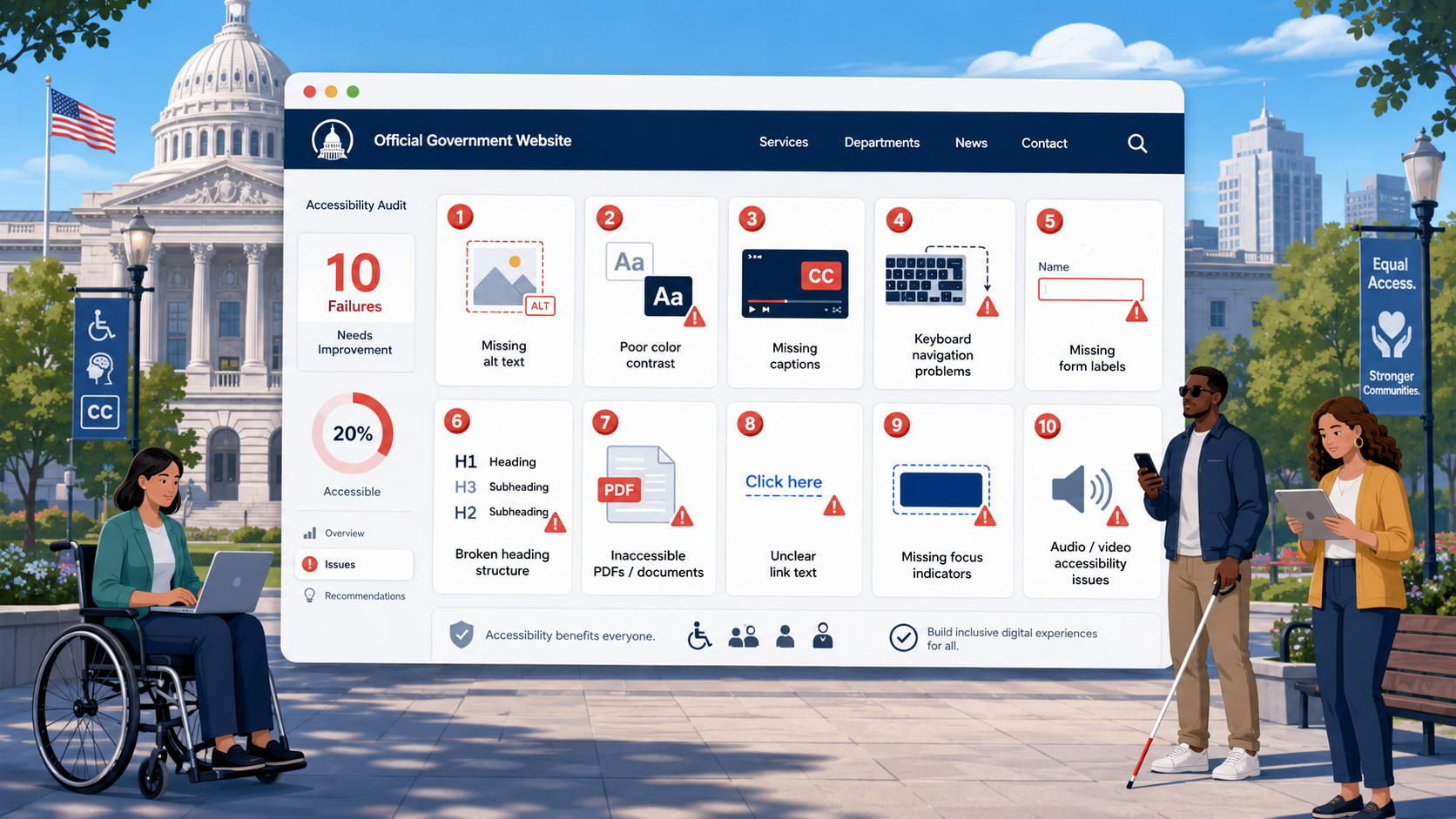
The 10 Most Common Accessibility Failures on Government Websites
A data-driven look at the 10 most common WCAG failures on government websites - missing alt text, inaccessible PDFs, poor contrast, missing labels, and more - and how to fix each one.
Read more →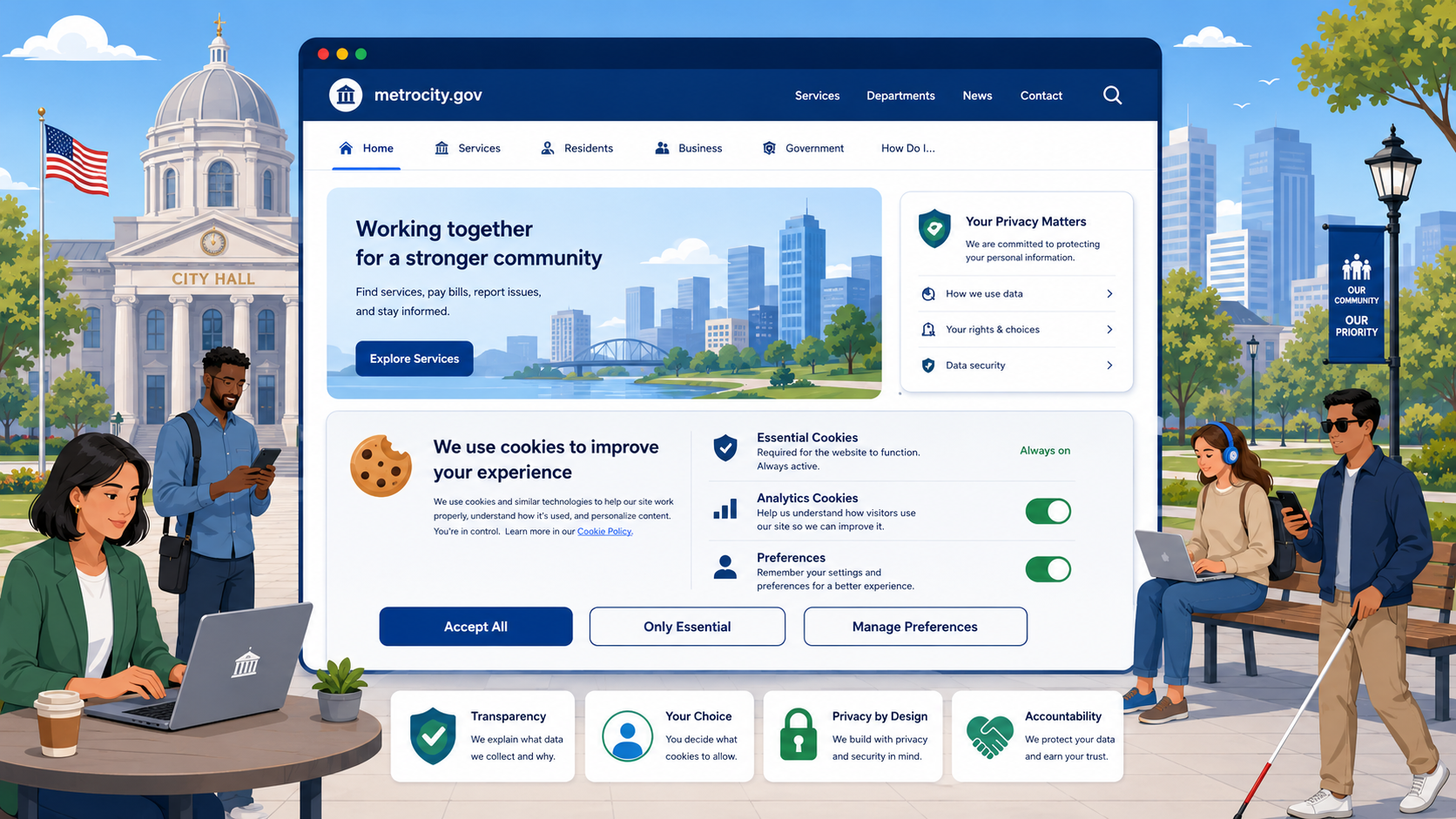
Does Your Government Website Need a Cookie Banner?
Most government websites collect some cookie data. Whether you need a cookie banner — and what it must say — depends on what data you're collecting and from whom.
Read more →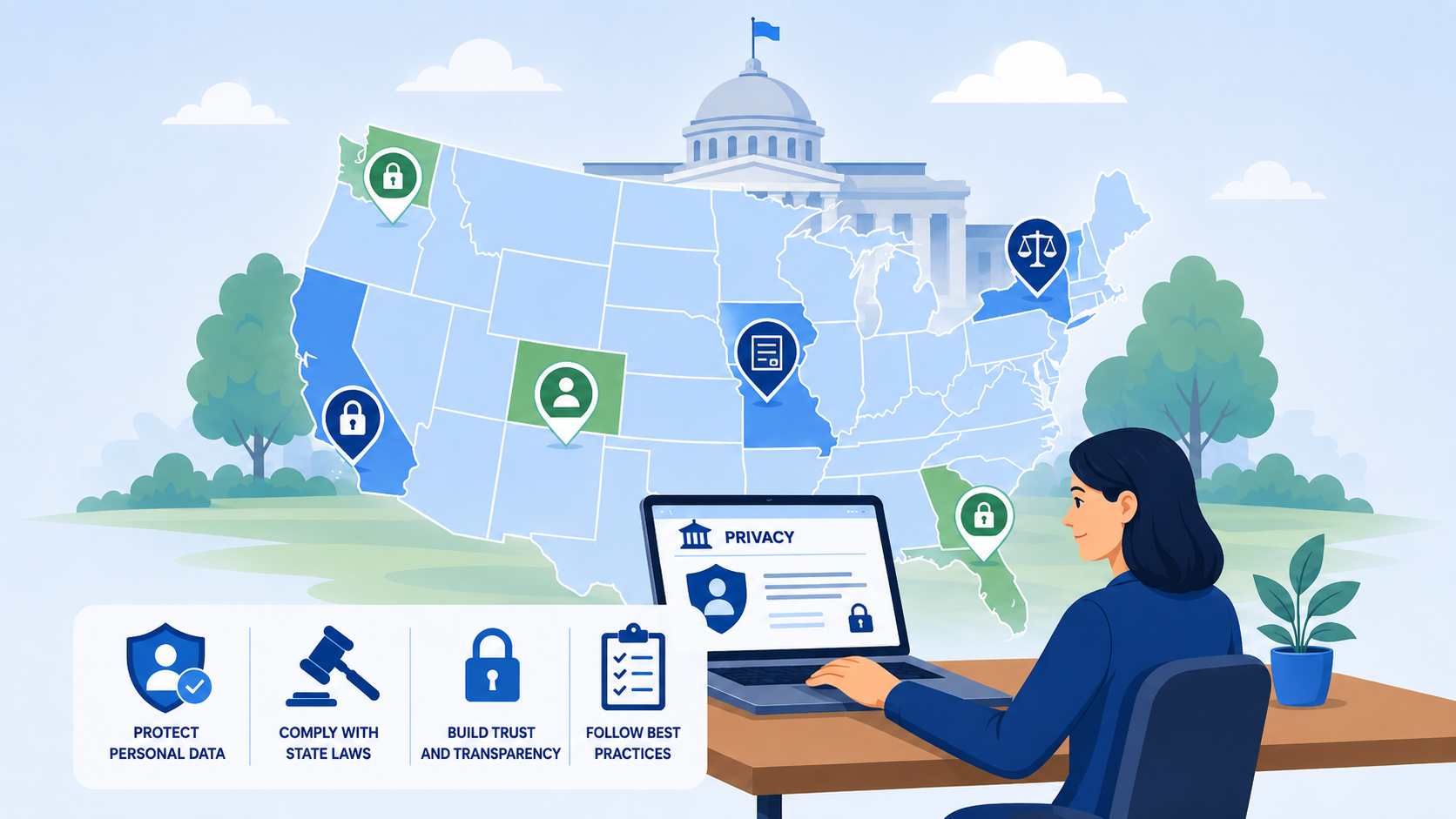
State Privacy Laws and Government Websites: What Agencies Need to Know
Do state consumer privacy laws like the CCPA, CDPA, and CPA apply to government agencies? A practical guide to which state laws cover government websites and what they require.
Read more →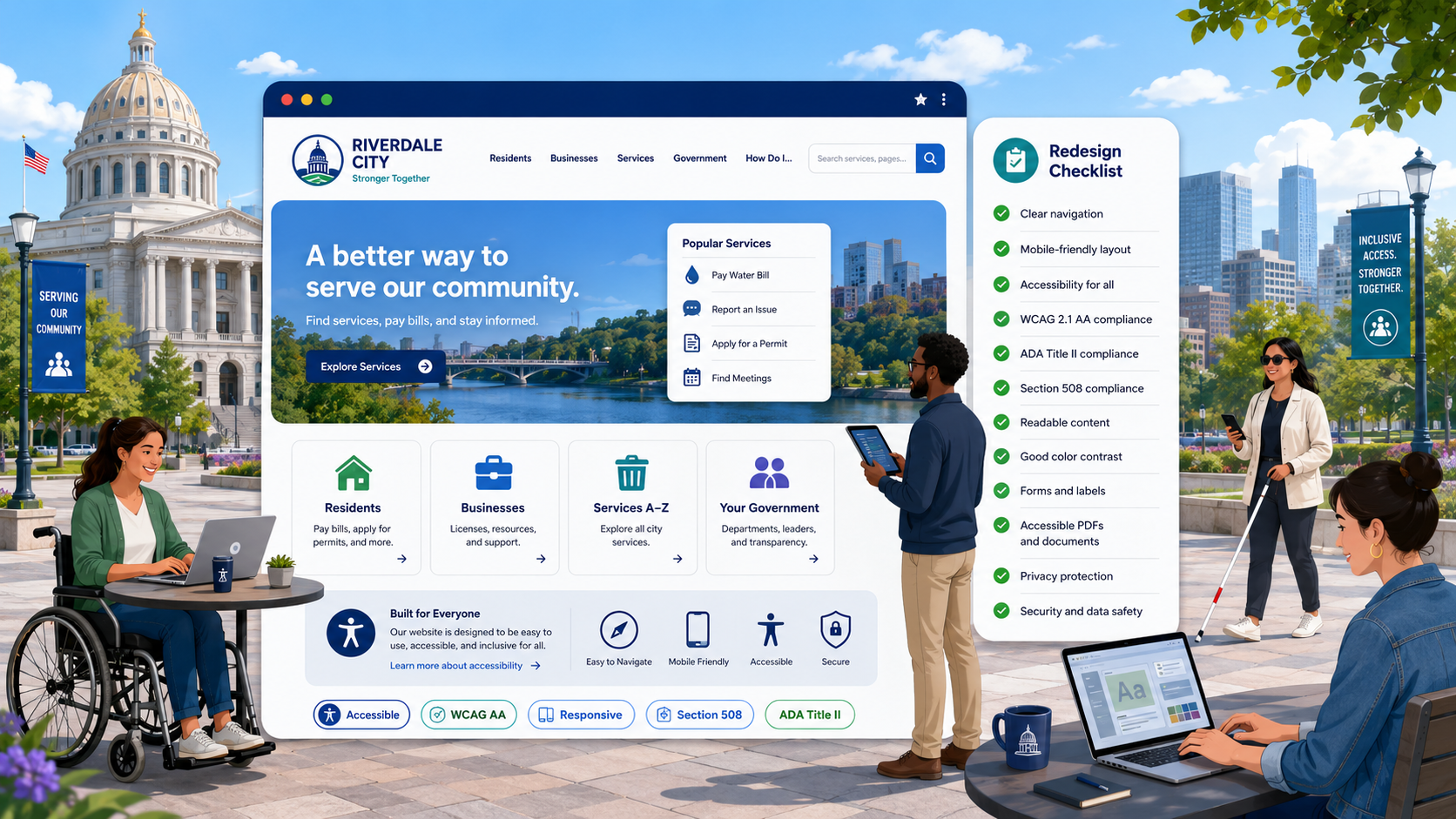
Government Website Redesign: An Accessibility and Compliance Checklist
How to bake accessibility and compliance into a government website redesign from day one - design system, development, content migration, vendor selection, UAT, launch, and post-launch monitoring.
Read more →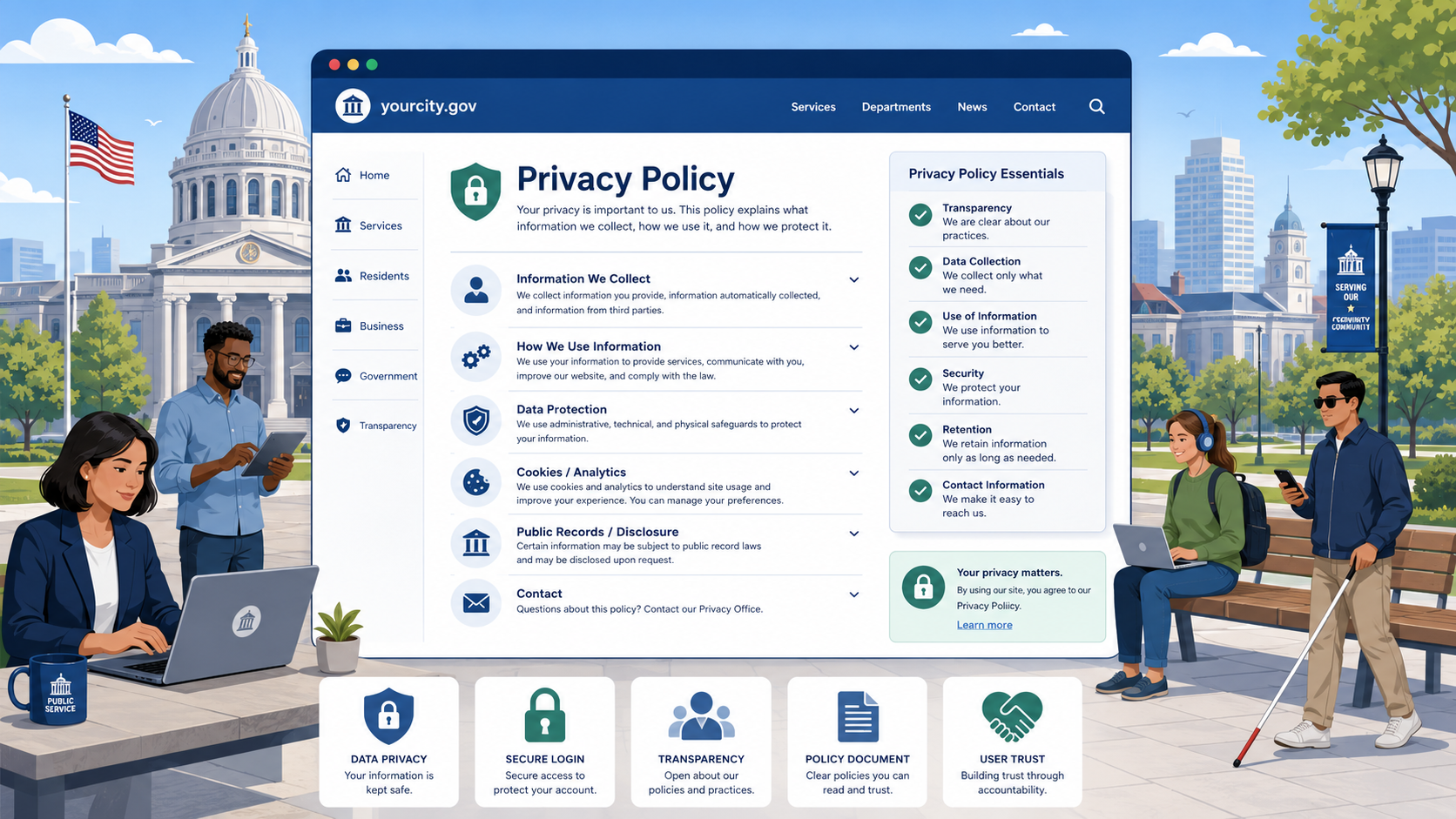
How to Write a Privacy Policy for a Government Website
Government websites must tell visitors what data they collect and how it's used. Here's what a compliant, readable government privacy policy must include.
Read more →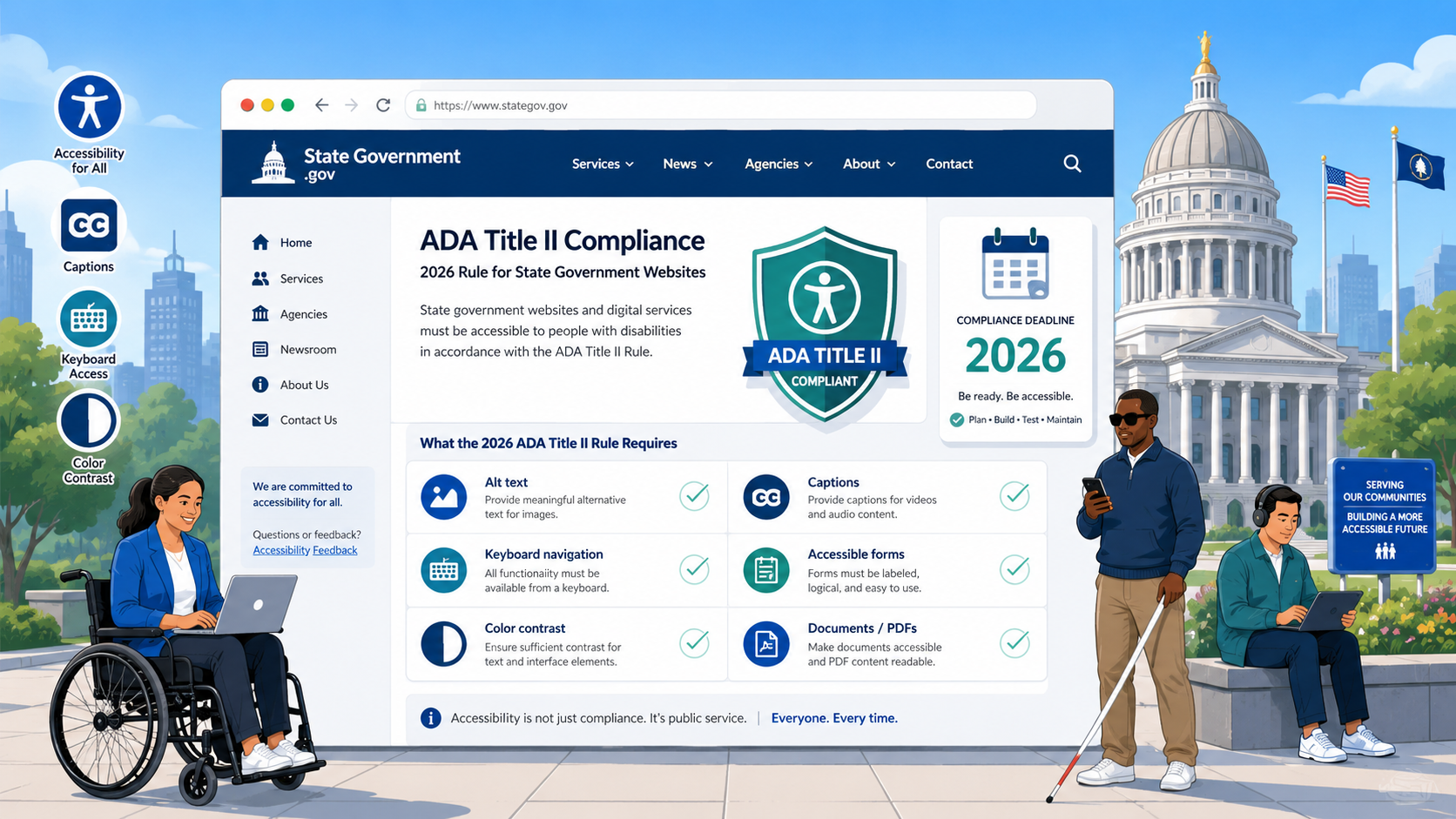
ADA Title II and State Government Websites: What the 2026 Rule Requires
State governments face the same April 2026 deadline as large local governments under the DOJ's ADA Title II rule, but with very different portfolio complexity. Here is what state CIOs, CISOs, and ADA Coordinators need to do.
Read more →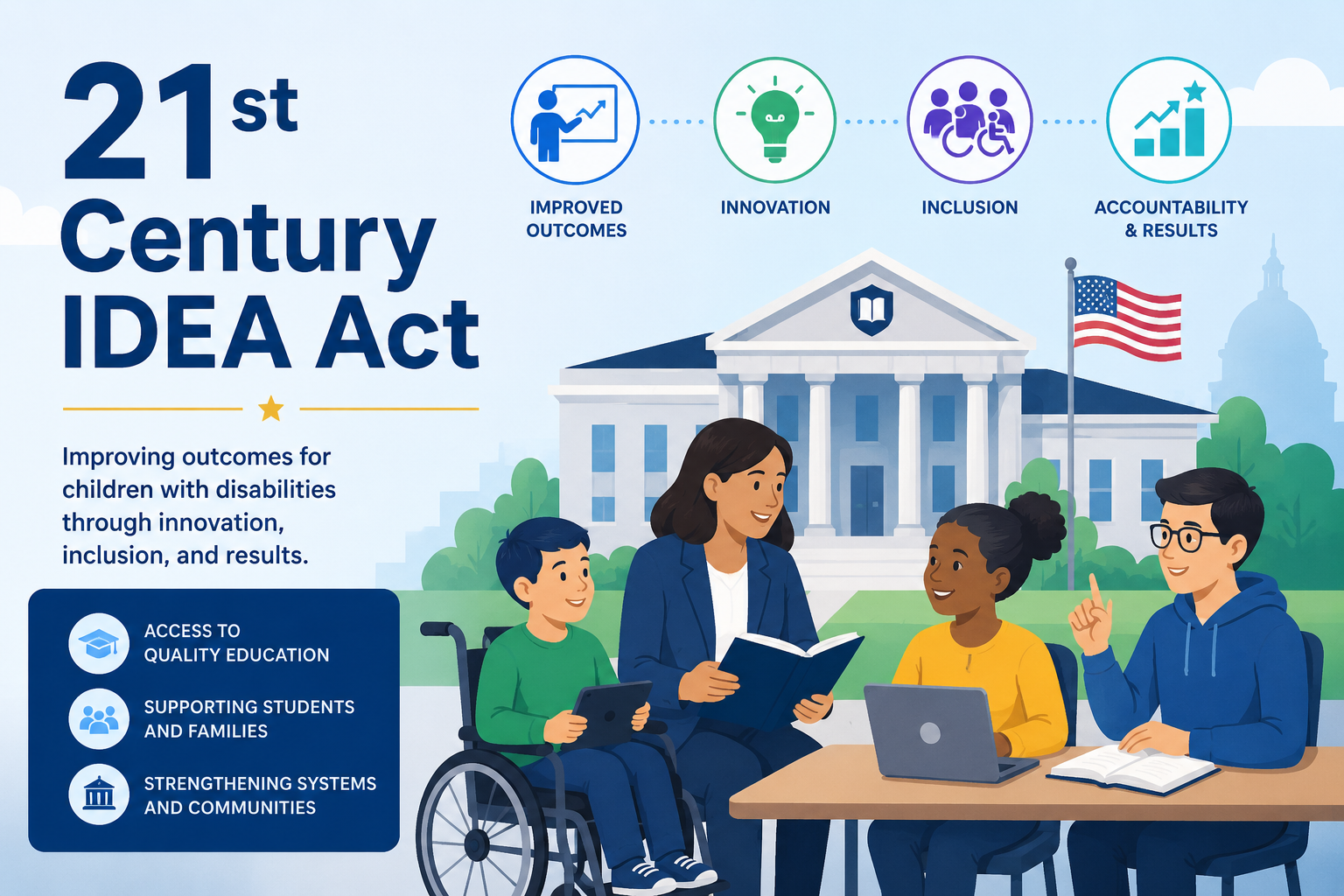
The 21st Century IDEA Act: What It Requires for Federal Agency Websites
What the 21st Century Integrated Digital Experience Act (2018) requires for federal websites: modernization, mobile-friendliness, accessibility, search, analytics, and digital service delivery.
Read more →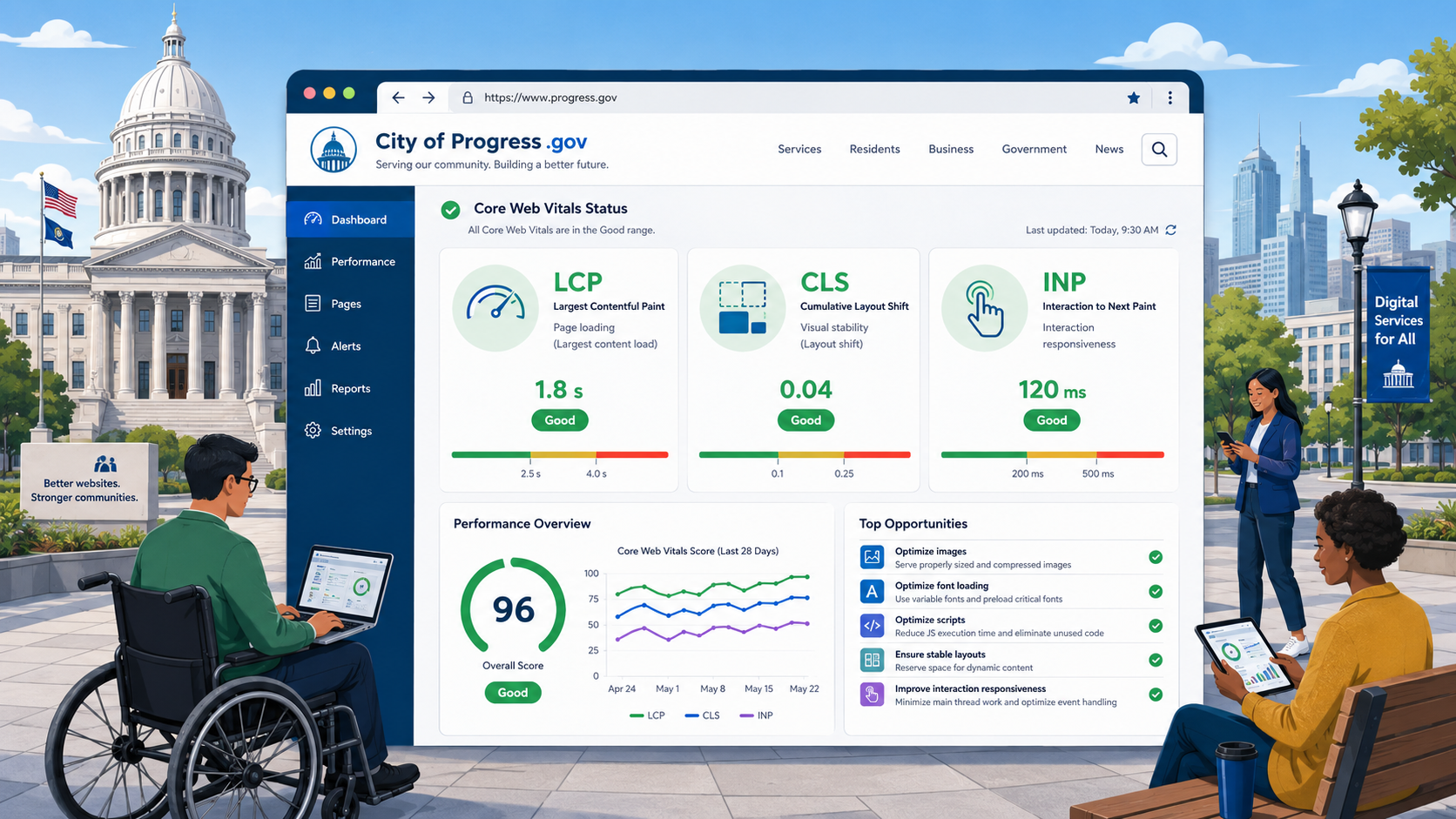
Core Web Vitals for Government Websites: LCP, CLS, and INP Explained
What Core Web Vitals mean for government websites, how to measure LCP, CLS, and INP, the most common performance failures in the public sector, and how to fix them.
Read more →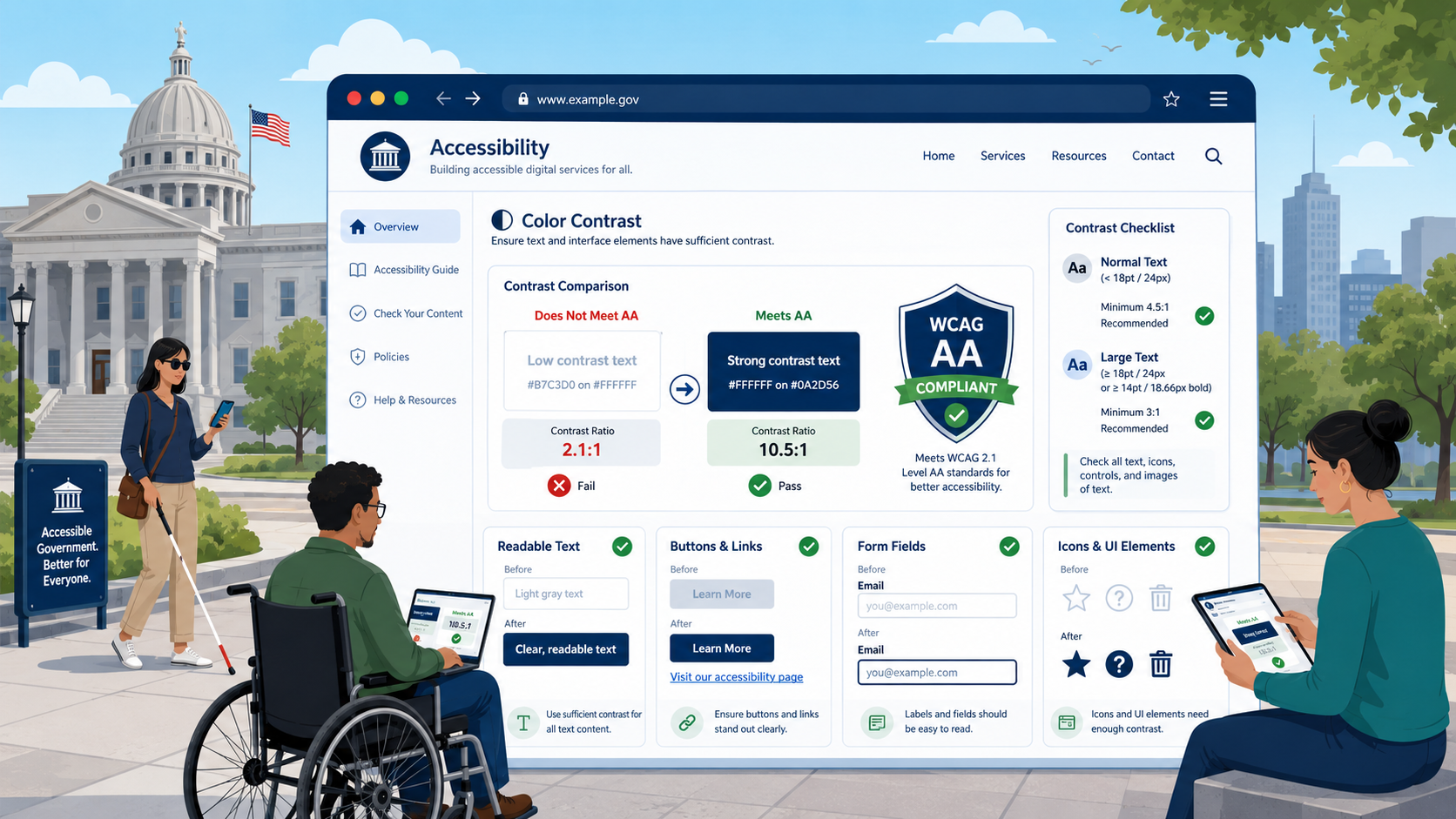
Color Contrast Requirements for Government Websites: WCAG AA Explained
WCAG 1.4.3 requires 4.5:1 contrast for normal text and WCAG 1.4.11 requires 3:1 for UI components. Here is how to measure contrast, why government brand palettes commonly fail, and how to remediate.
Read more →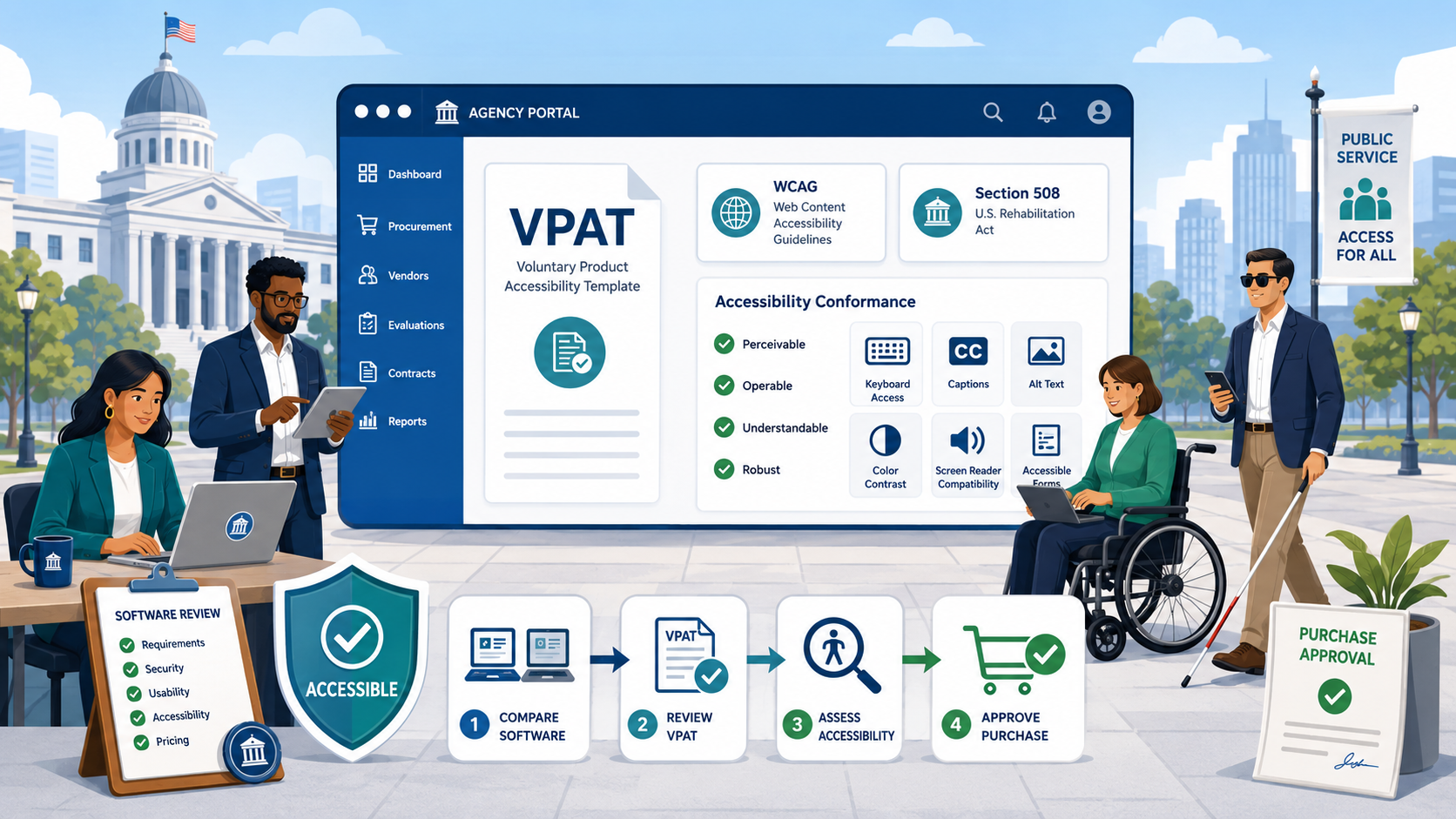
VPAT Explained: What Government Agencies Need to Know When Buying Software
A VPAT is the document vendors use to claim accessibility conformance. Here is how to read one, what the language actually means, and how to write accessibility requirements into government RFPs.
Read more →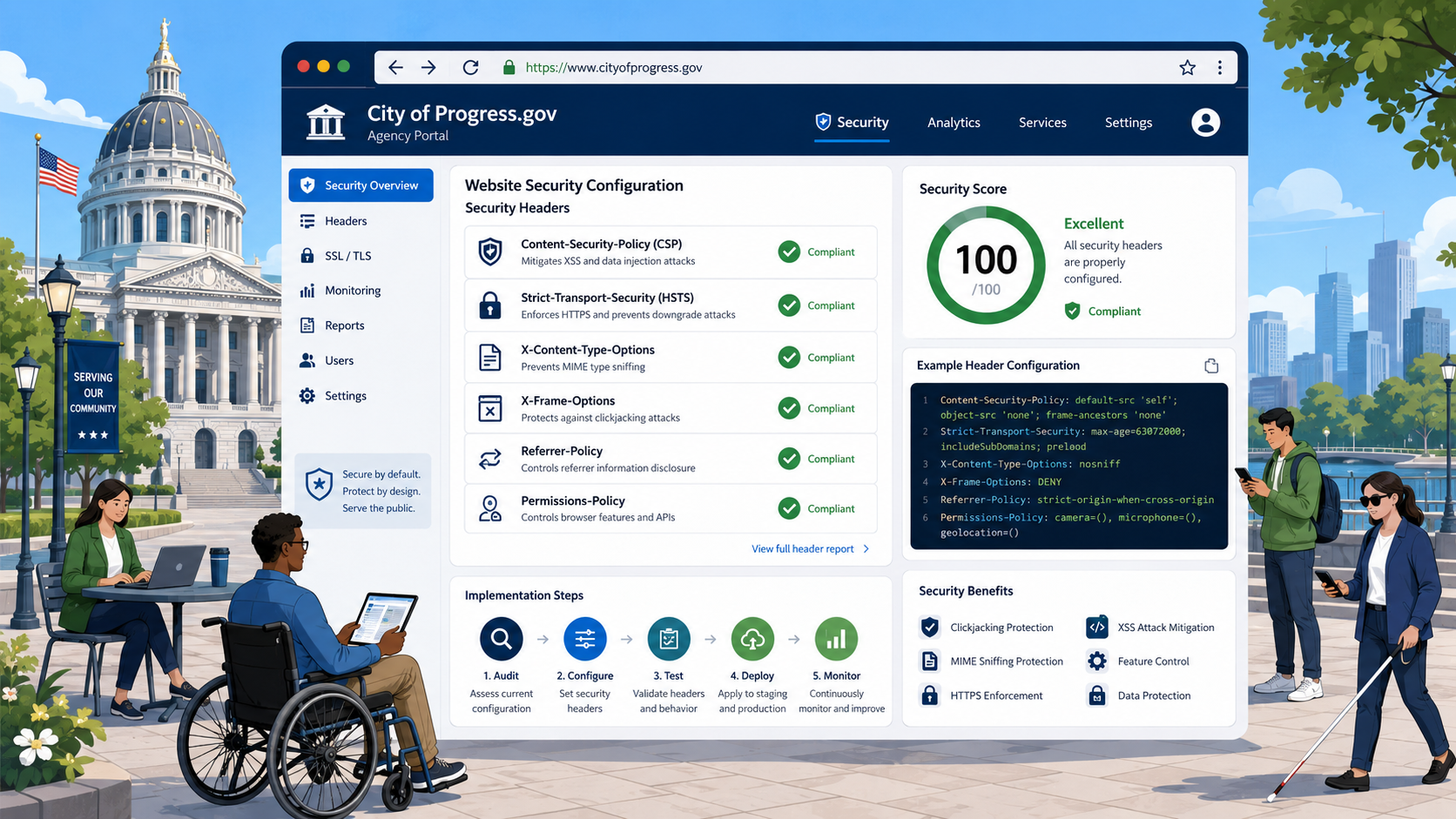
Security Headers for Government Websites: A Technical Implementation Guide
A technical implementation guide to HTTP security headers for government websites: HSTS, Content-Security-Policy, X-Frame-Options, X-Content-Type-Options, Referrer-Policy, and Permissions-Policy.
Read more →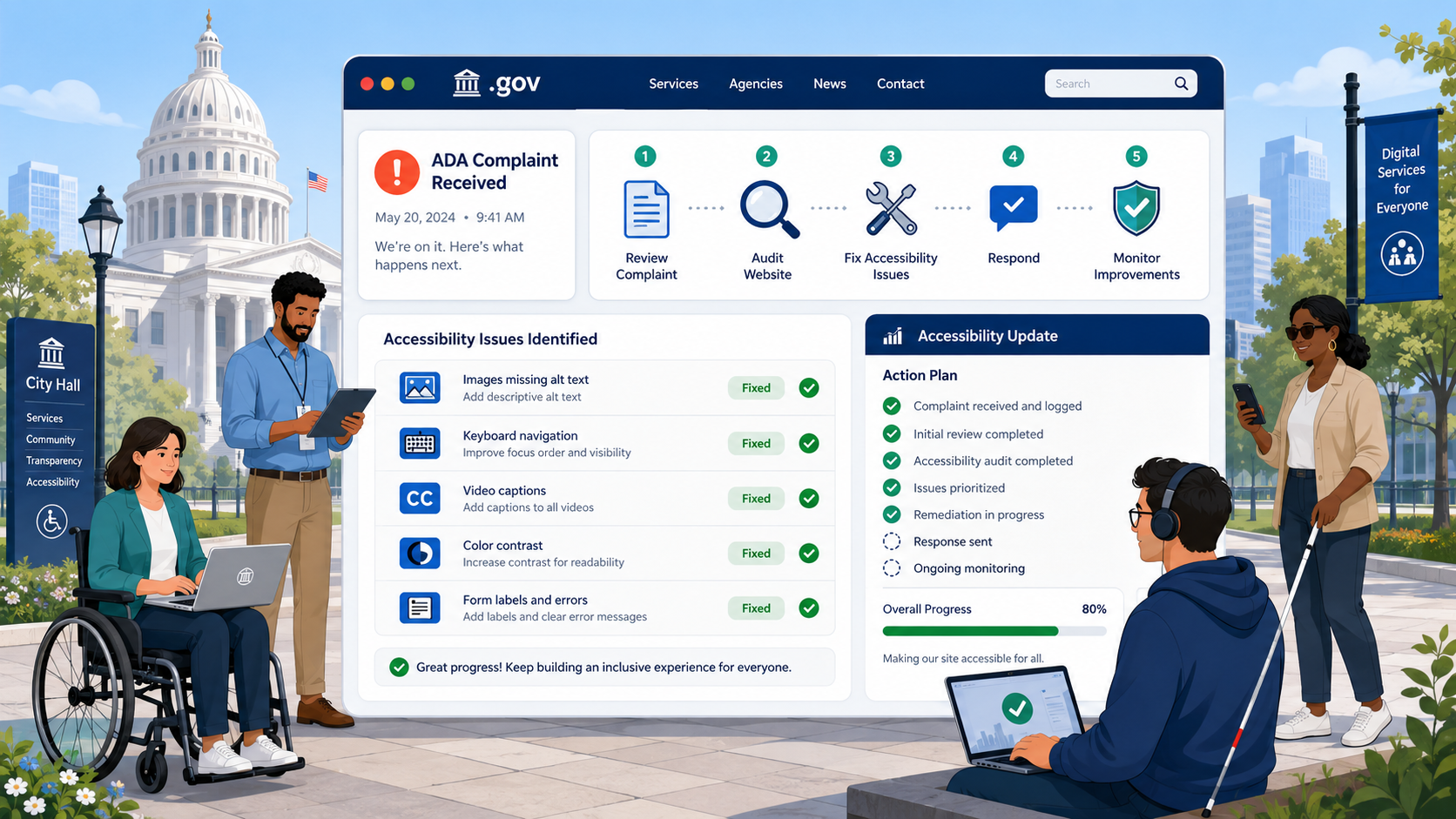
What Happens When a Government Website Gets an ADA Complaint
A walkthrough of the DOJ Title II complaint process — from the initial complaint through investigation, letter of findings, and resolution agreement — and what agencies typically end up required to do.
Read more →
CISA Cybersecurity Recommendations for Government Websites: What Agencies Need to Know
CISA provides binding directives and advisory guidance for government cybersecurity. Here's what your agency's website should do to meet CISA's recommendations.
Read more →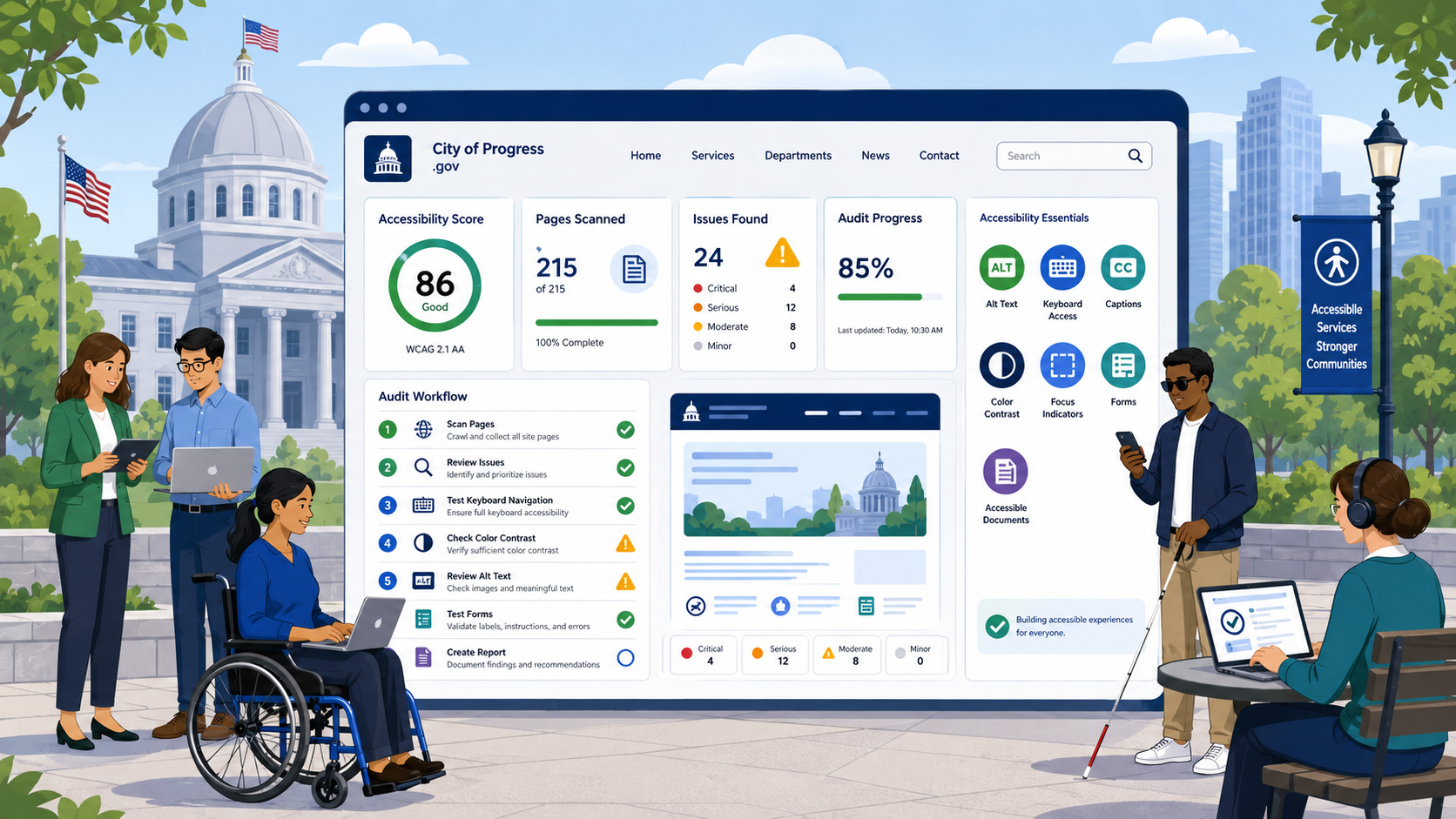
How to Conduct a Government Website Accessibility Audit
A step-by-step methodology for auditing a government website against WCAG 2.1 and 2.2 Level AA — combining automated scanning, manual testing, and assistive technology verification.
Read more →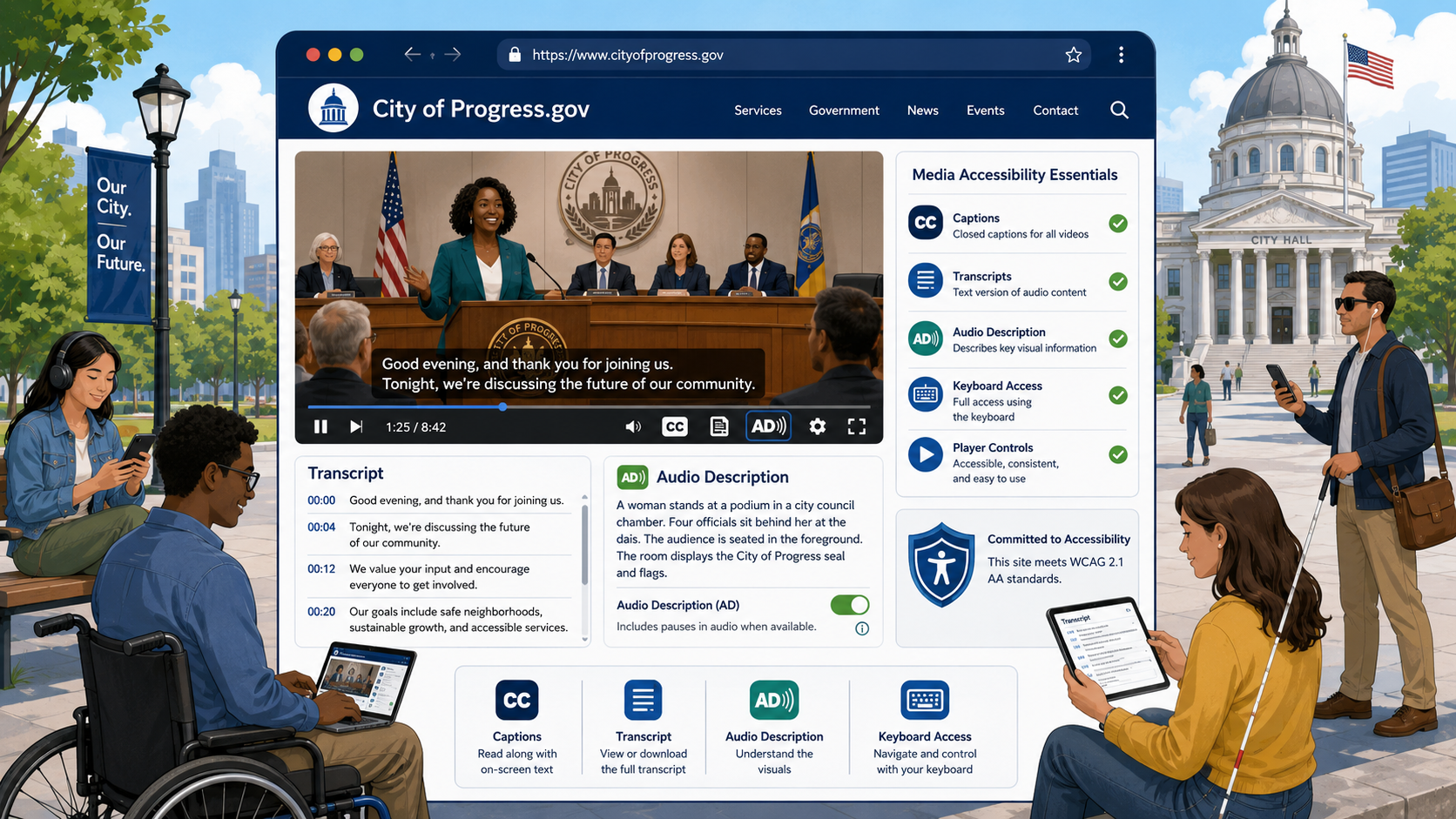
Video and Audio Accessibility for Government Websites: Captions, Transcripts, and Audio Description
A complete guide to making government videos and audio accessible: when you need captions, transcripts, or audio description, how to caption videos correctly, and what WCAG 1.2 requires.
Read more →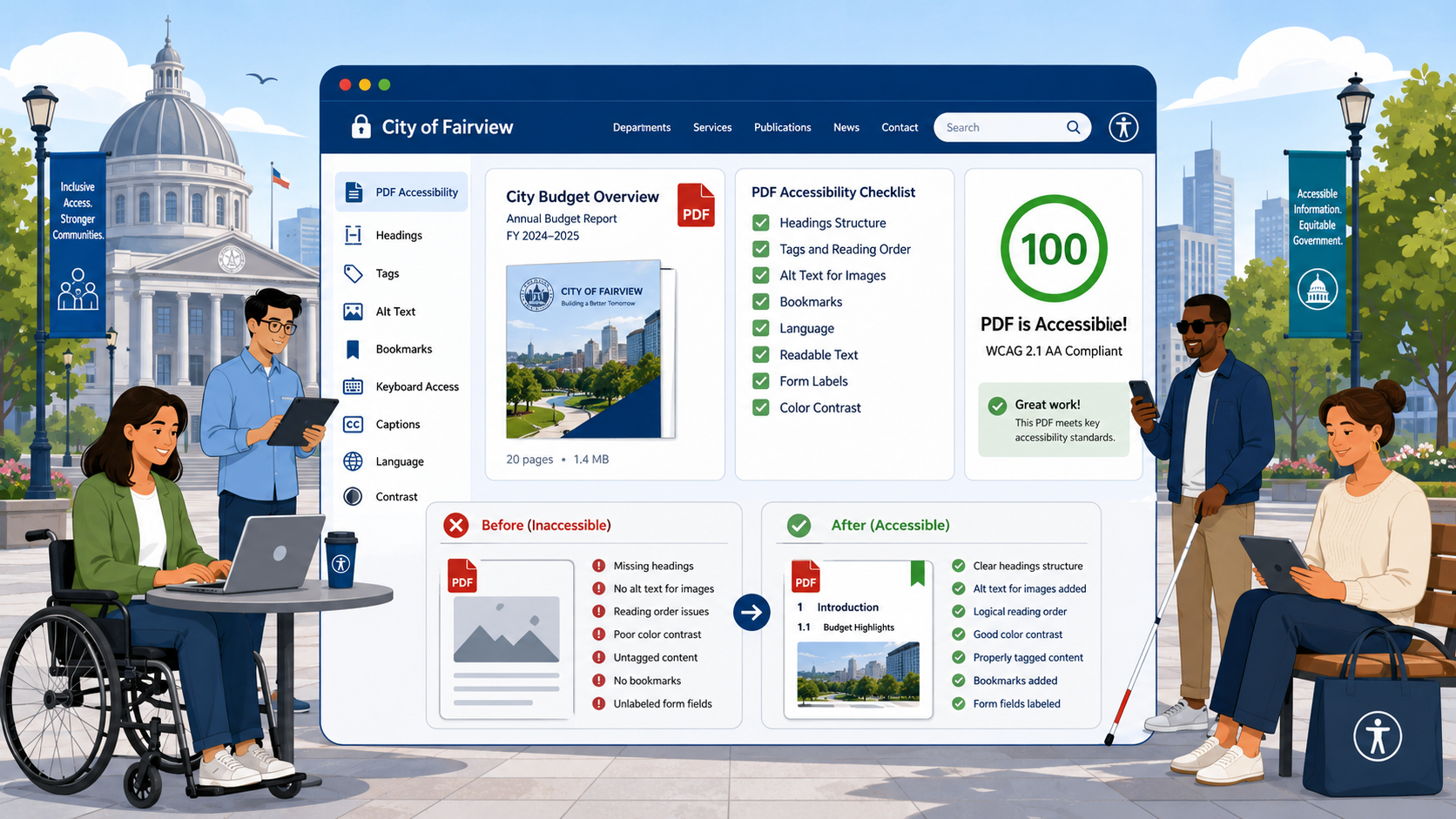
PDF Accessibility for Government Websites: A Practical Guide
PDFs are the single largest accessibility liability for most government websites. This guide covers how to create accessible PDFs, remediate scanned documents, and decide when to use HTML instead.
Read more →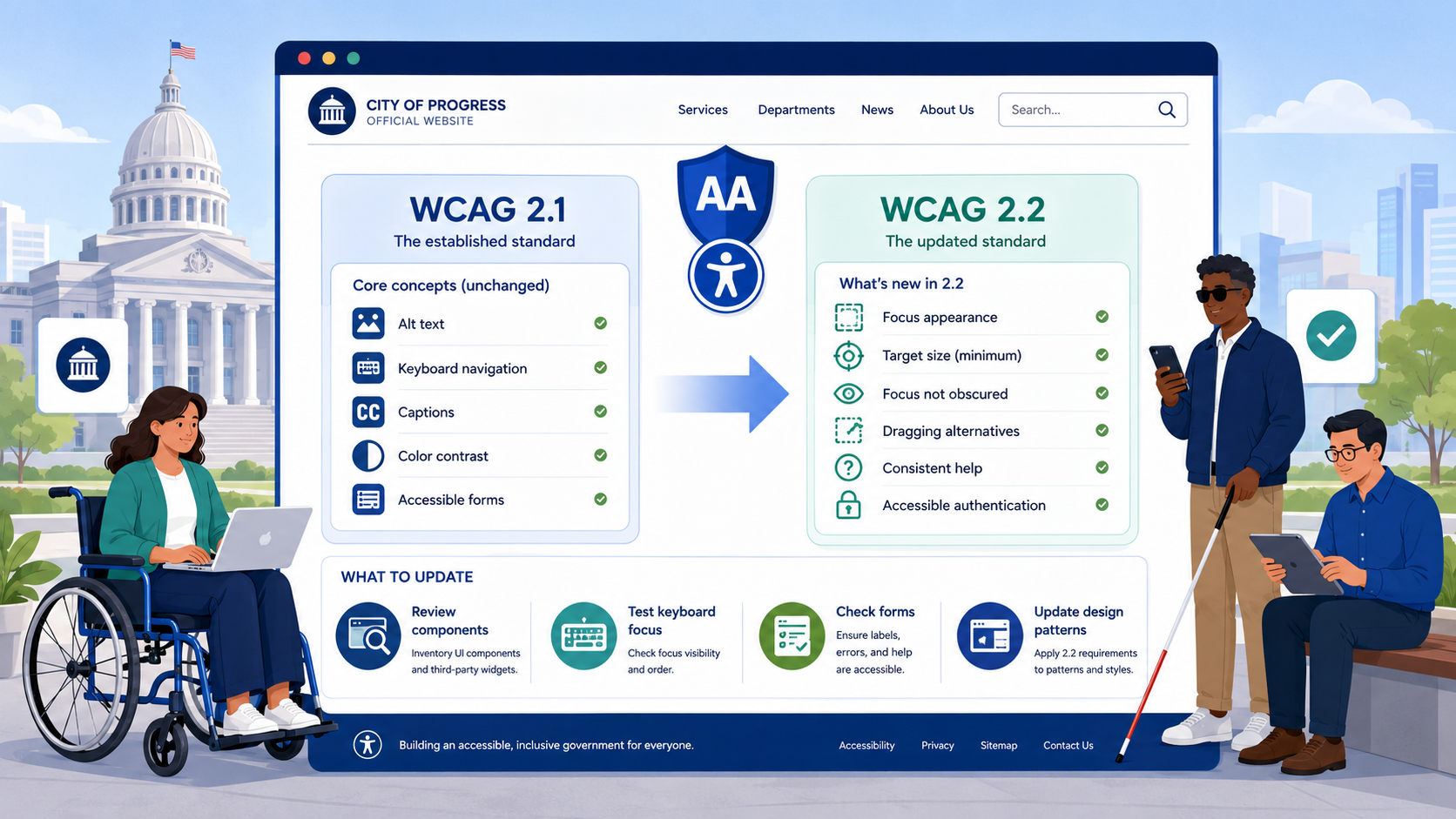
WCAG 2.2 vs. 2.1: What Changed and What Government Websites Need to Update
WCAG 2.2 added nine new success criteria and removed one. Here is what changed, what it means for government websites, and how it interacts with the DOJ's 2026 ADA Title II deadline.
Read more →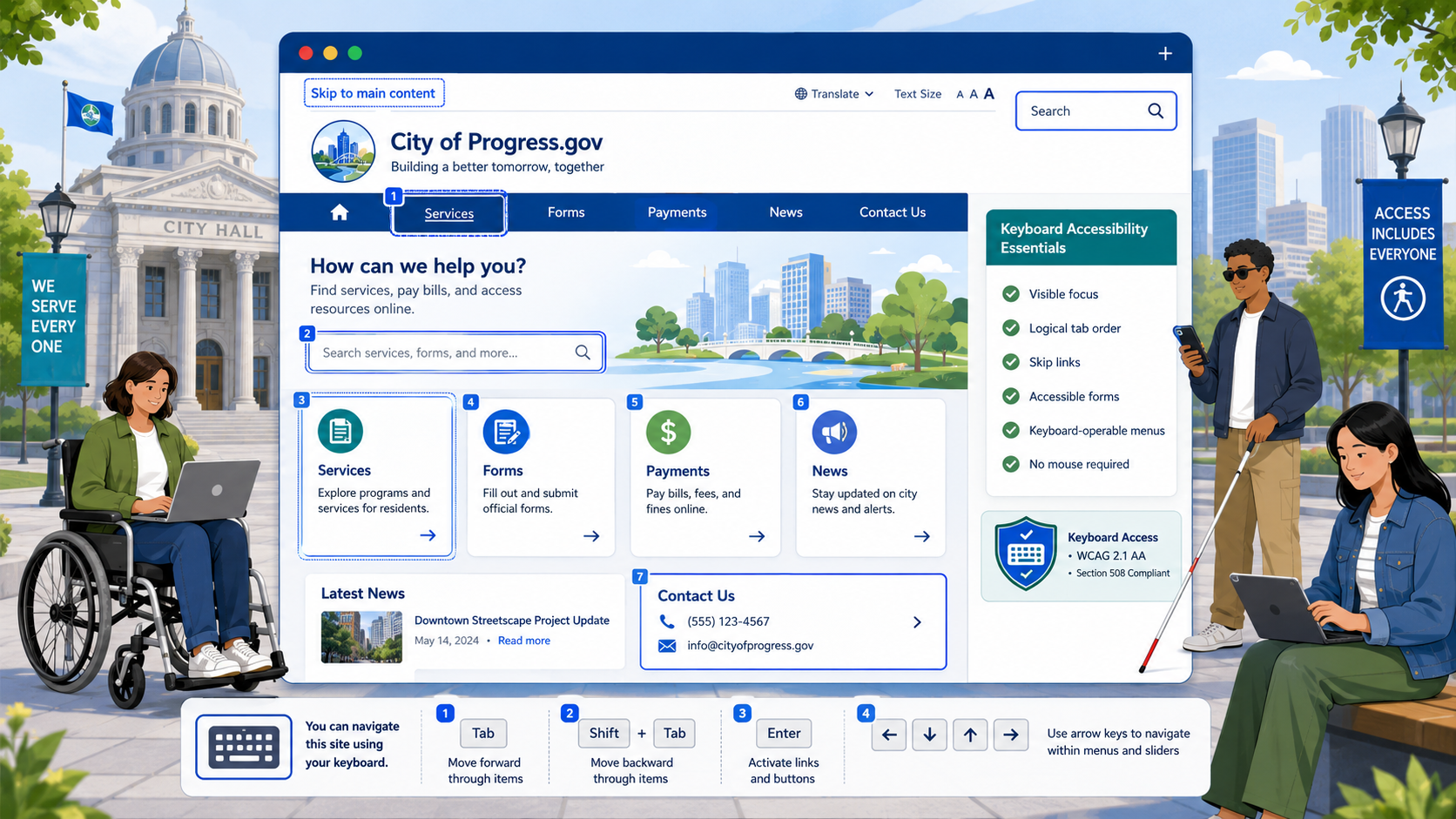
Keyboard Accessibility for Government Websites: What You Need to Know
A practical guide to keyboard accessibility for government websites: skip links, tab order, focus indicators, focus traps, and the WCAG 2.2 success criteria that matter most.
Read more →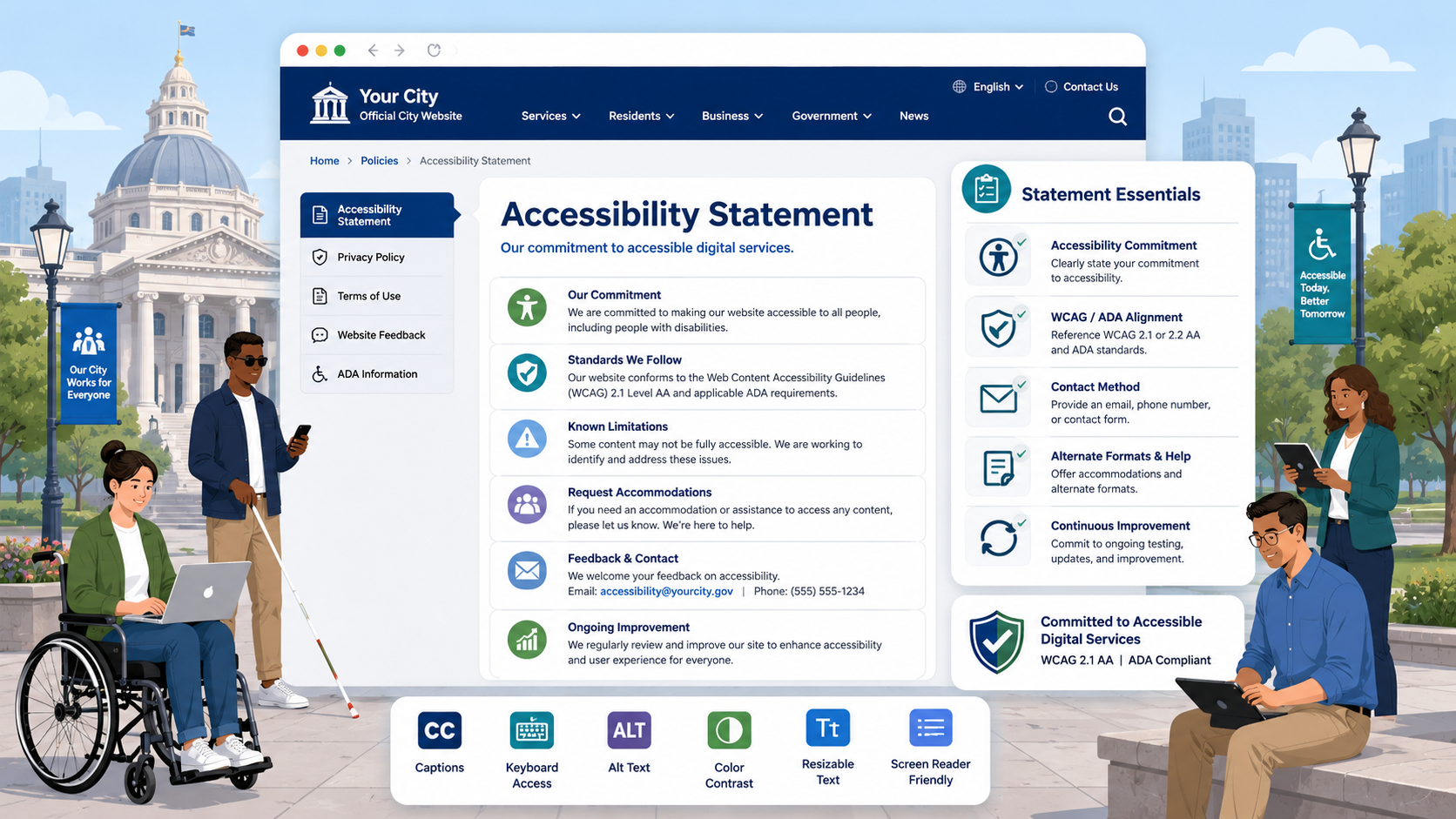
How to Write an Accessibility Statement for Your Government Website
A complete guide to writing an accessibility statement that meets the DOJ ADA Title II final rule — including a template, required elements, and common mistakes to avoid.
Read more →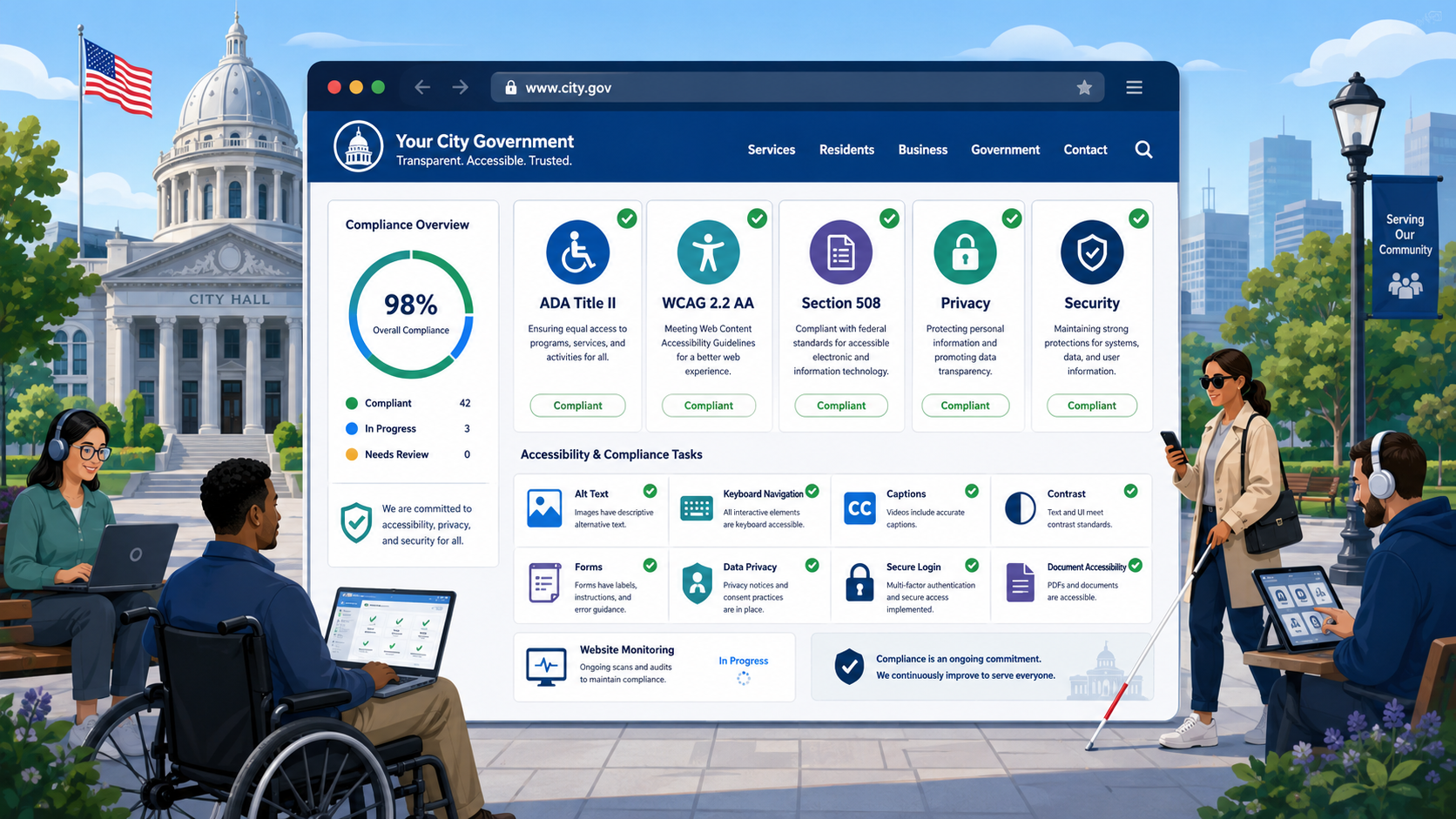
Government Website Compliance Checklist: ADA, WCAG, Section 508, Privacy, and Security
A comprehensive checklist covering every major compliance area for government websites — accessibility, privacy, security, and performance — in one place.
Read more →
OCR Web Accessibility Complaints Against Universities: What Institutions Need to Know
The Department of Education's Office for Civil Rights actively investigates web accessibility complaints against colleges and universities. Here's what triggers complaints, what the process looks like, and how to protect your institution.
Read more →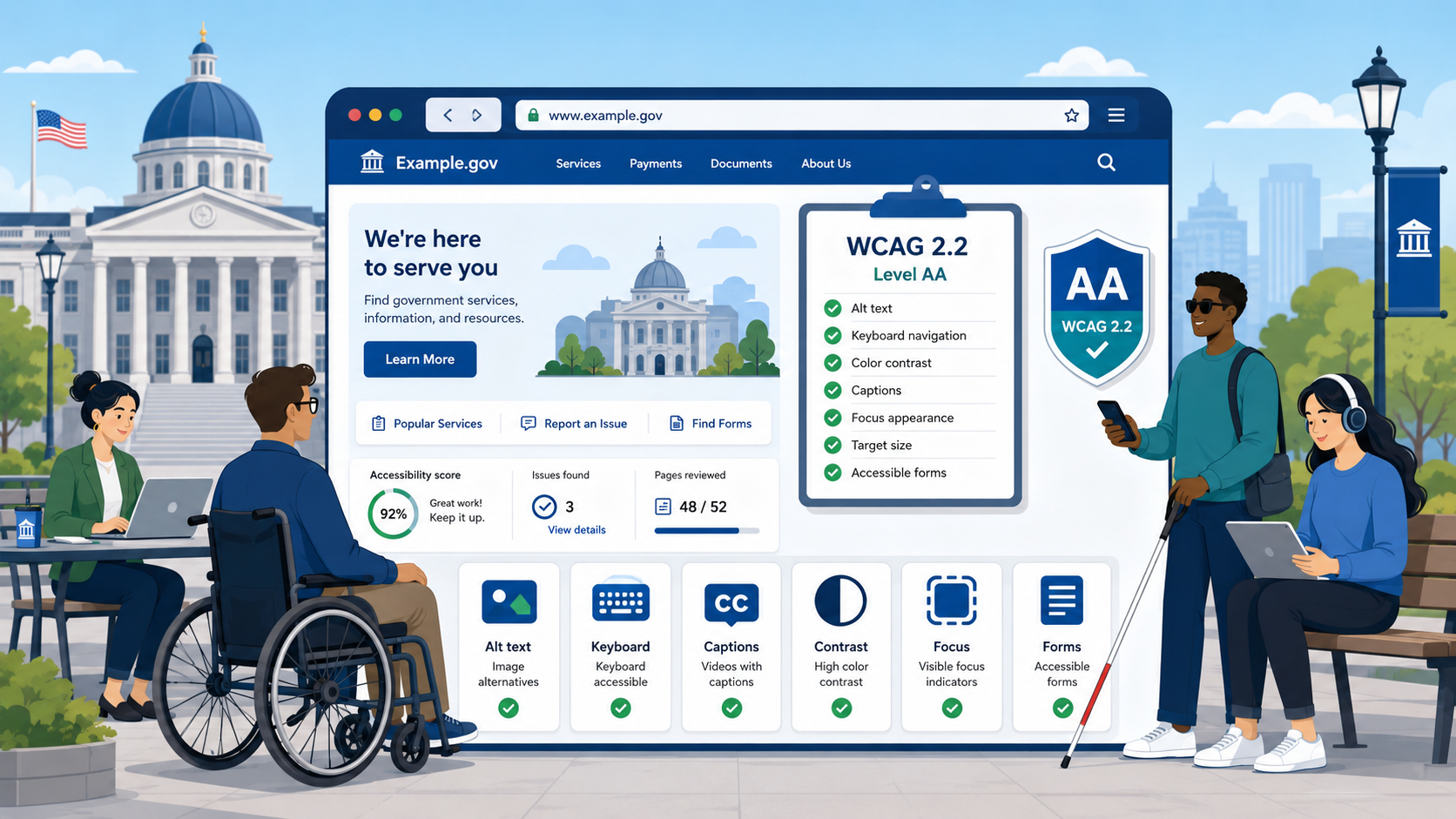
WCAG 2.2 Level AA Checklist for Government Websites
A practical WCAG 2.2 Level AA checklist for government web teams — covering the 50 success criteria that matter most for public-sector compliance.
Read more →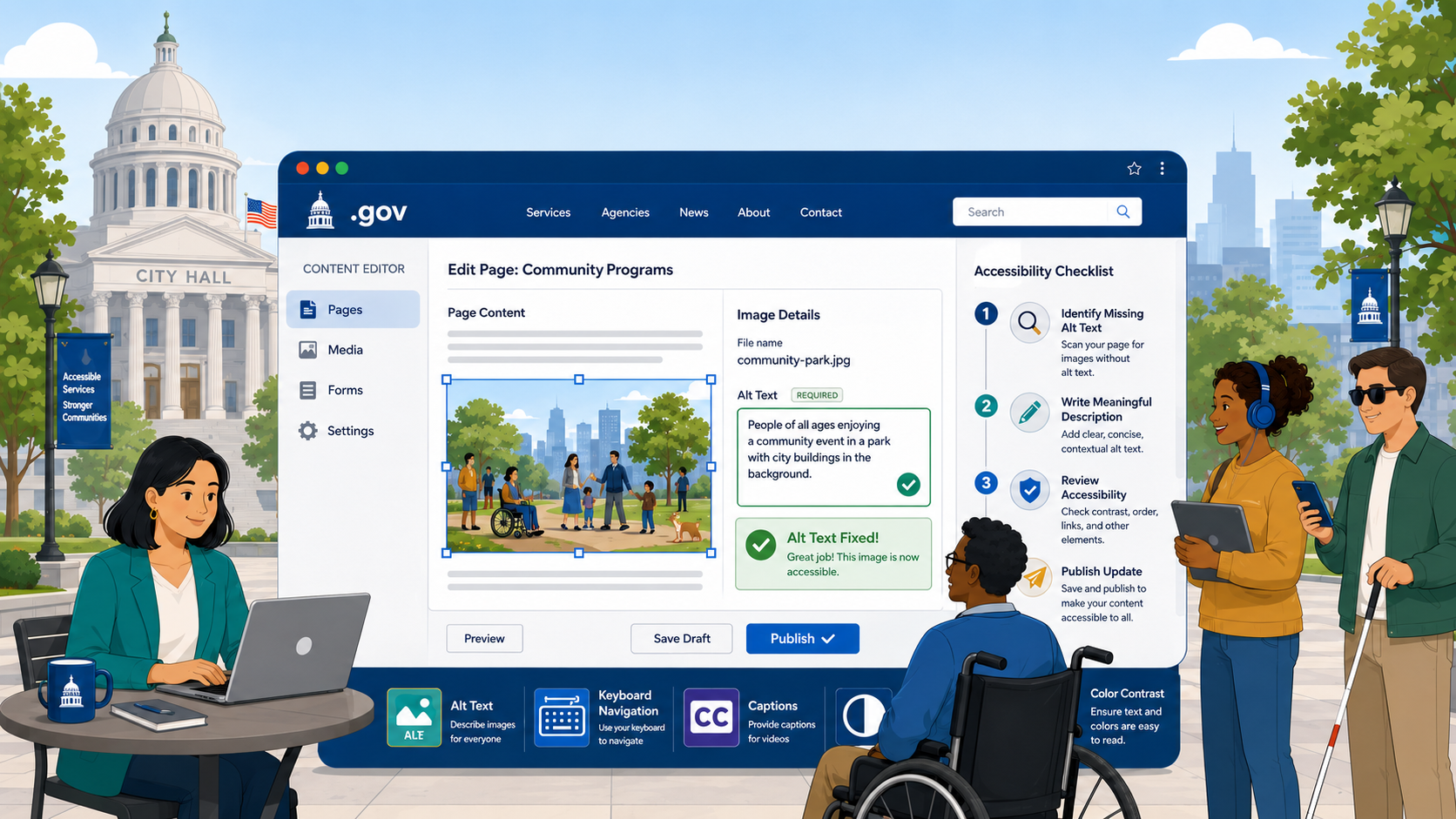
How to Fix Missing Alt Text on a Government Website
Missing alt text is one of the most common WCAG failures on government sites. Here's what it is, why it matters, and how to fix it — including for PDFs and CMSs.
Read more →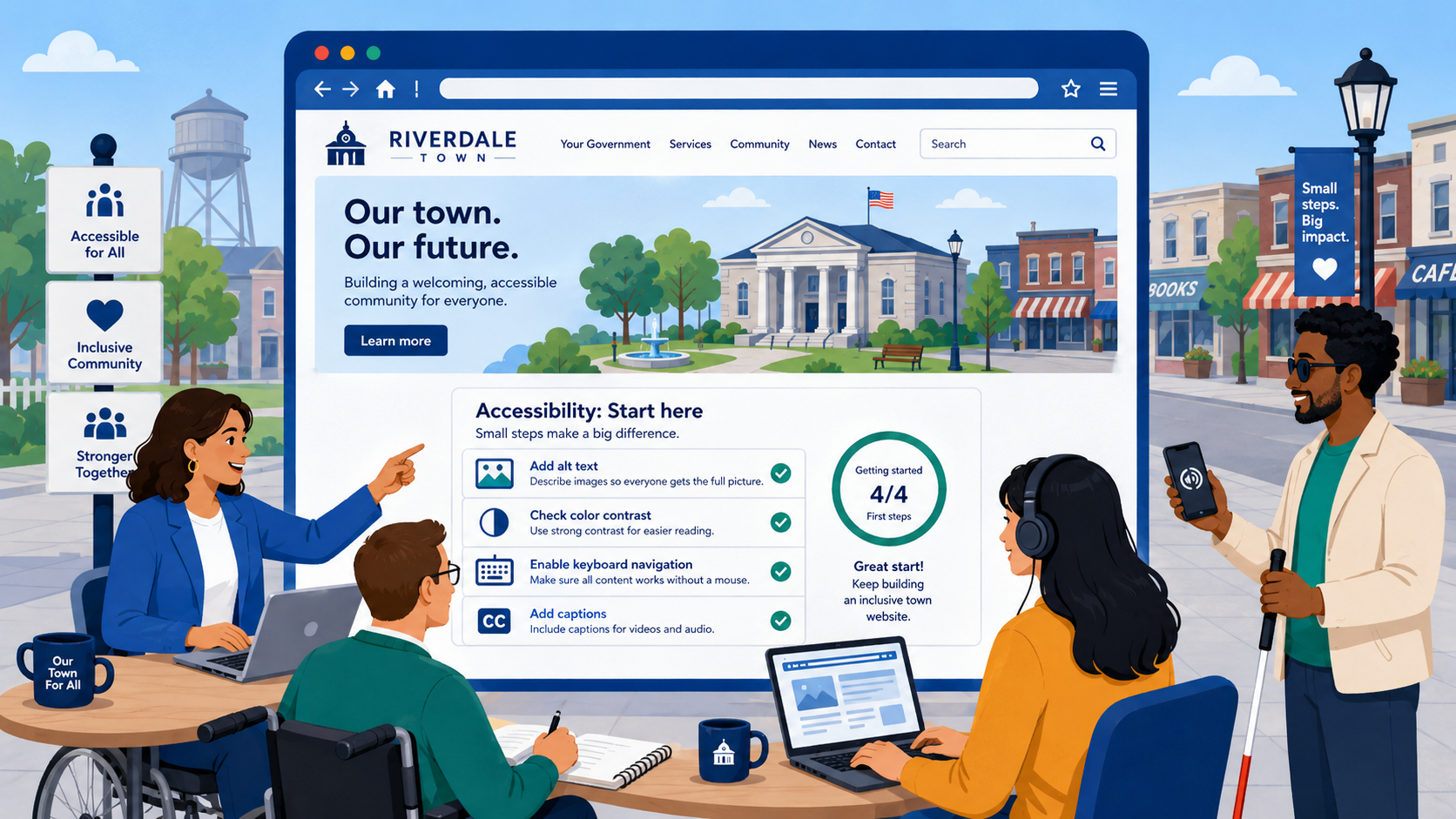
Web Accessibility for Small Cities and Towns: Where to Start
Small local governments face the same ADA Title II requirements as larger agencies — but with smaller teams and budgets. Here's a practical starting point.
Read more →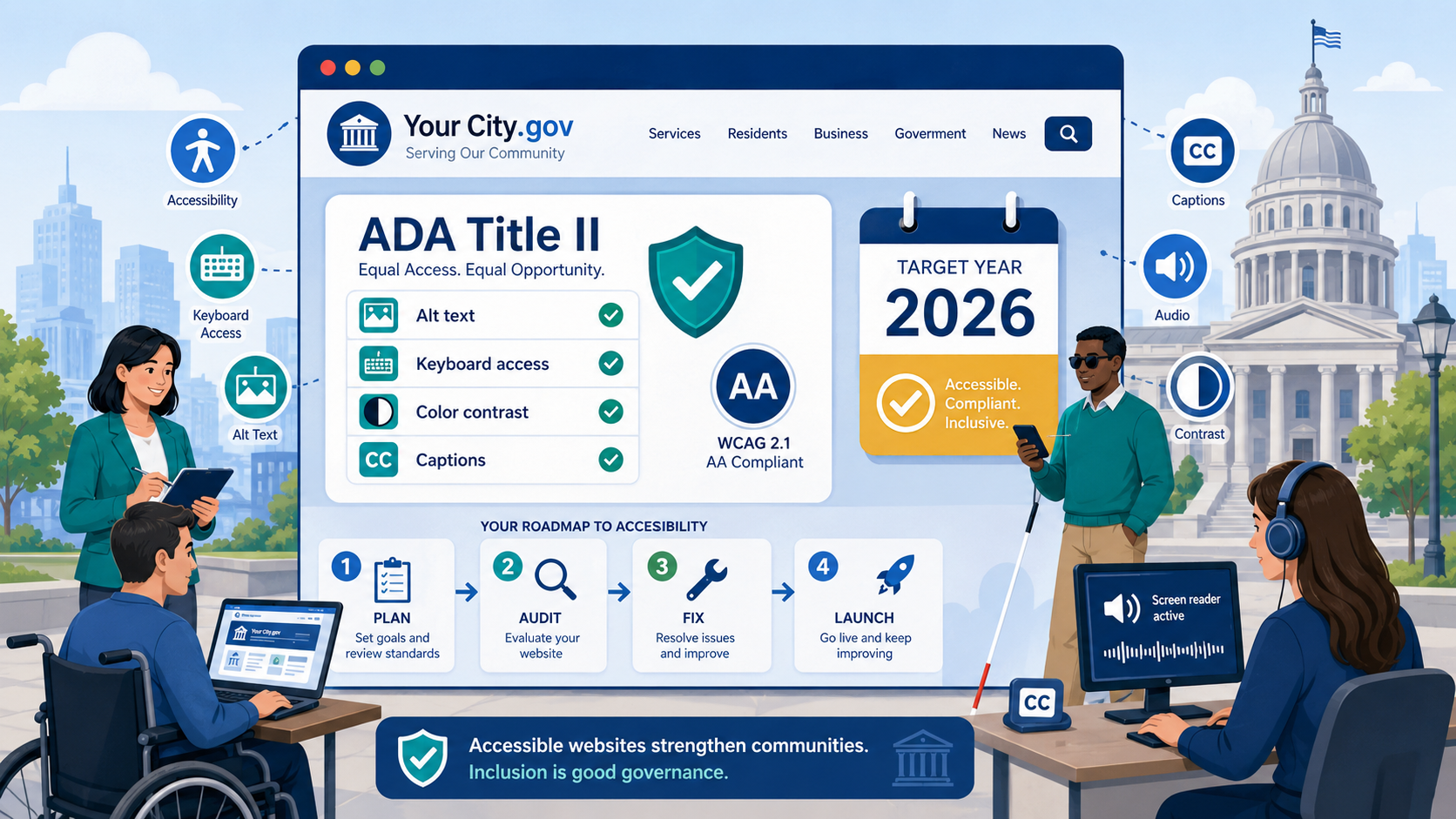
ADA Title II 2026 Compliance Deadline: A Guide for Cities and Counties
Cities and counties with populations over 50,000 must meet WCAG 2.2 Level AA by April 24, 2026. Here's what local government web teams need to do — and how much time is left.
Read more →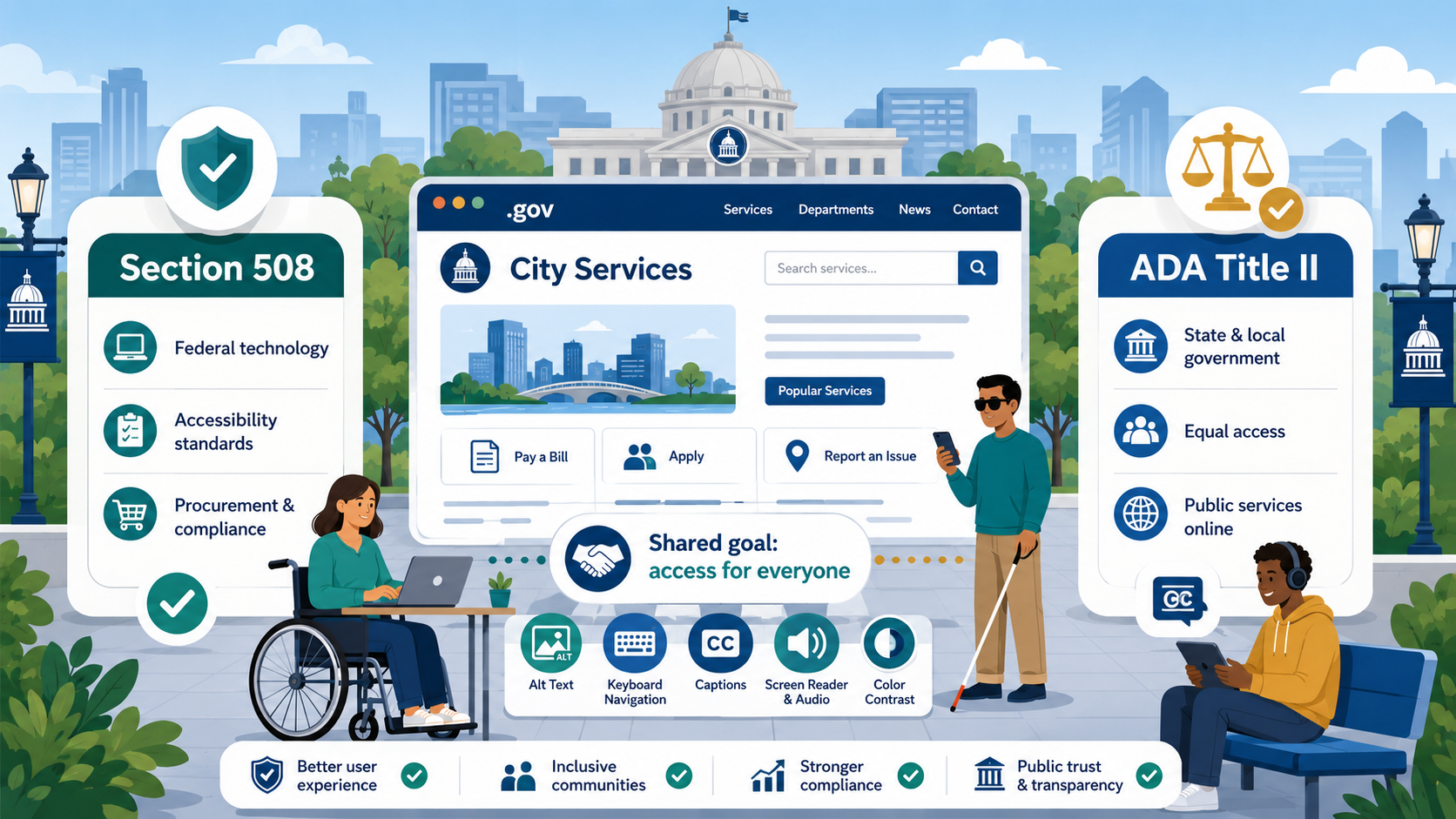
Section 508 vs. ADA Title II: What's the Difference for Government Websites?
Section 508 and ADA Title II both require accessible websites, but they cover different entities and have different enforcement mechanisms. Here's how to know which applies to you.
Read more →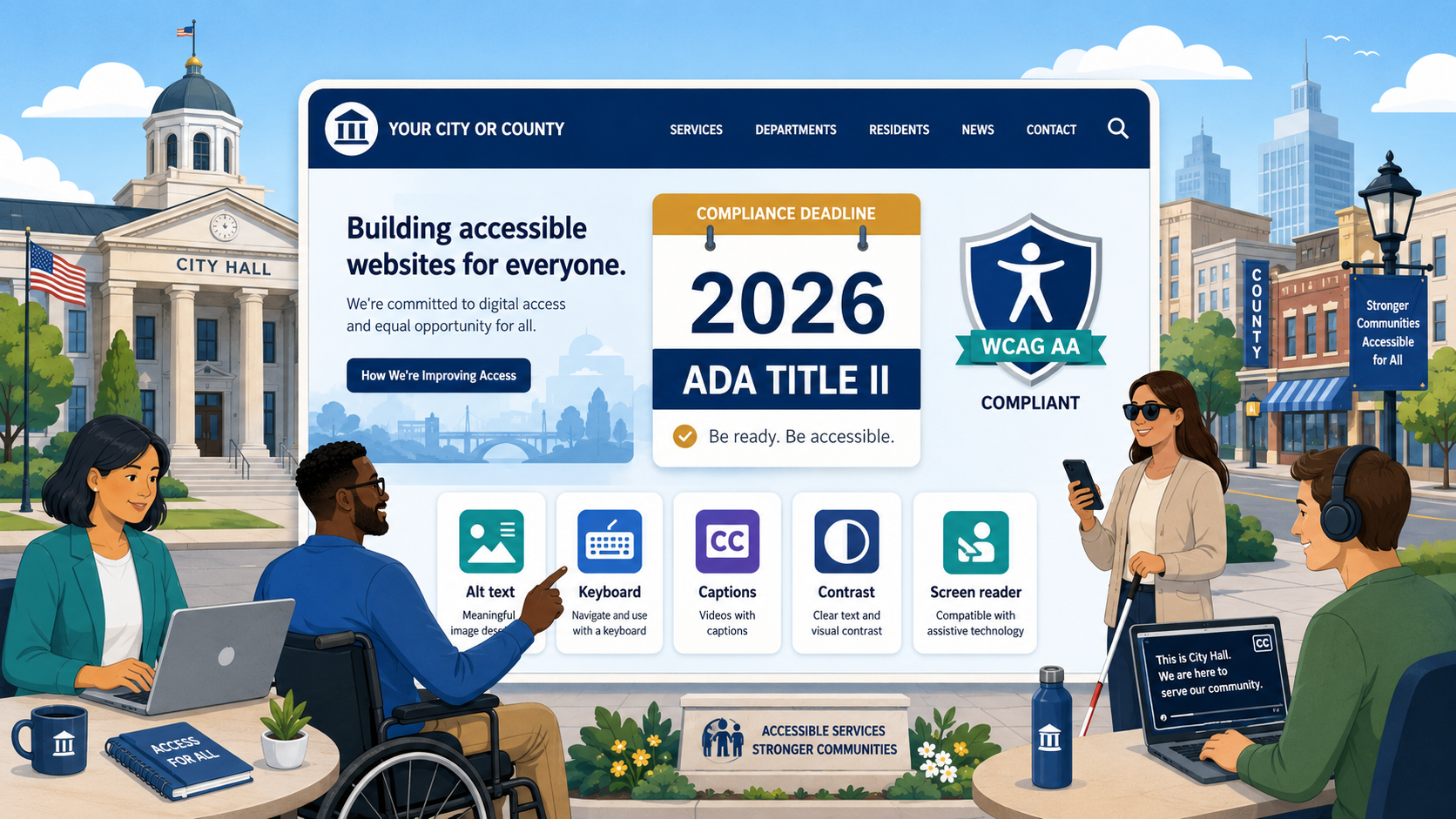
ADA Title II Web Accessibility: What Government Websites Must Do by 2026
The DOJ's 2024 final rule sets hard deadlines for state and local government website compliance with WCAG 2.2 Level AA. Here's exactly what's required and when.
Read more →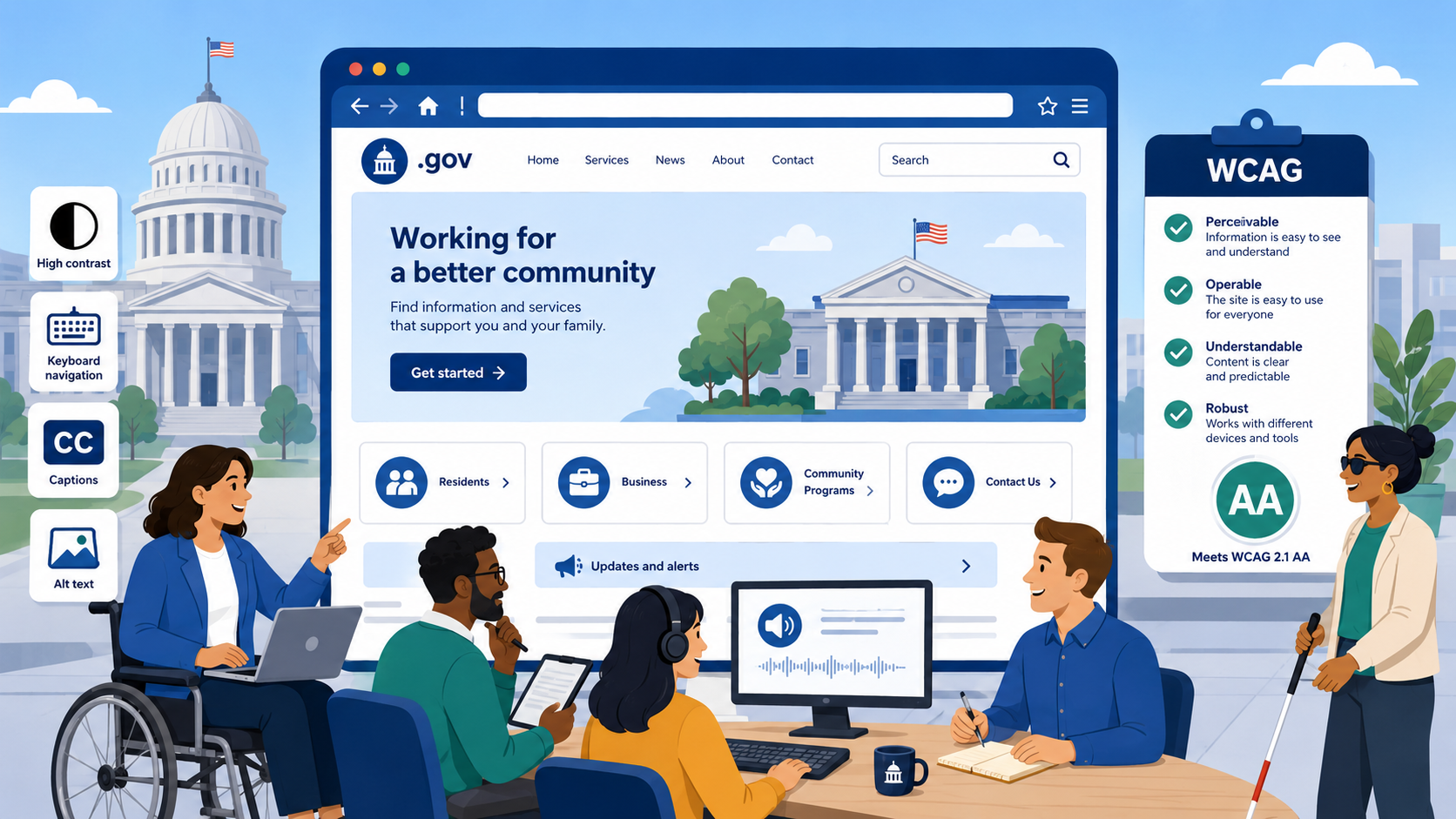
What Is WCAG? A Plain-Language Guide for Government Web Teams
WCAG — the Web Content Accessibility Guidelines — is the international standard government websites must follow. Here's what it means, what it requires, and why it matters.
Read more →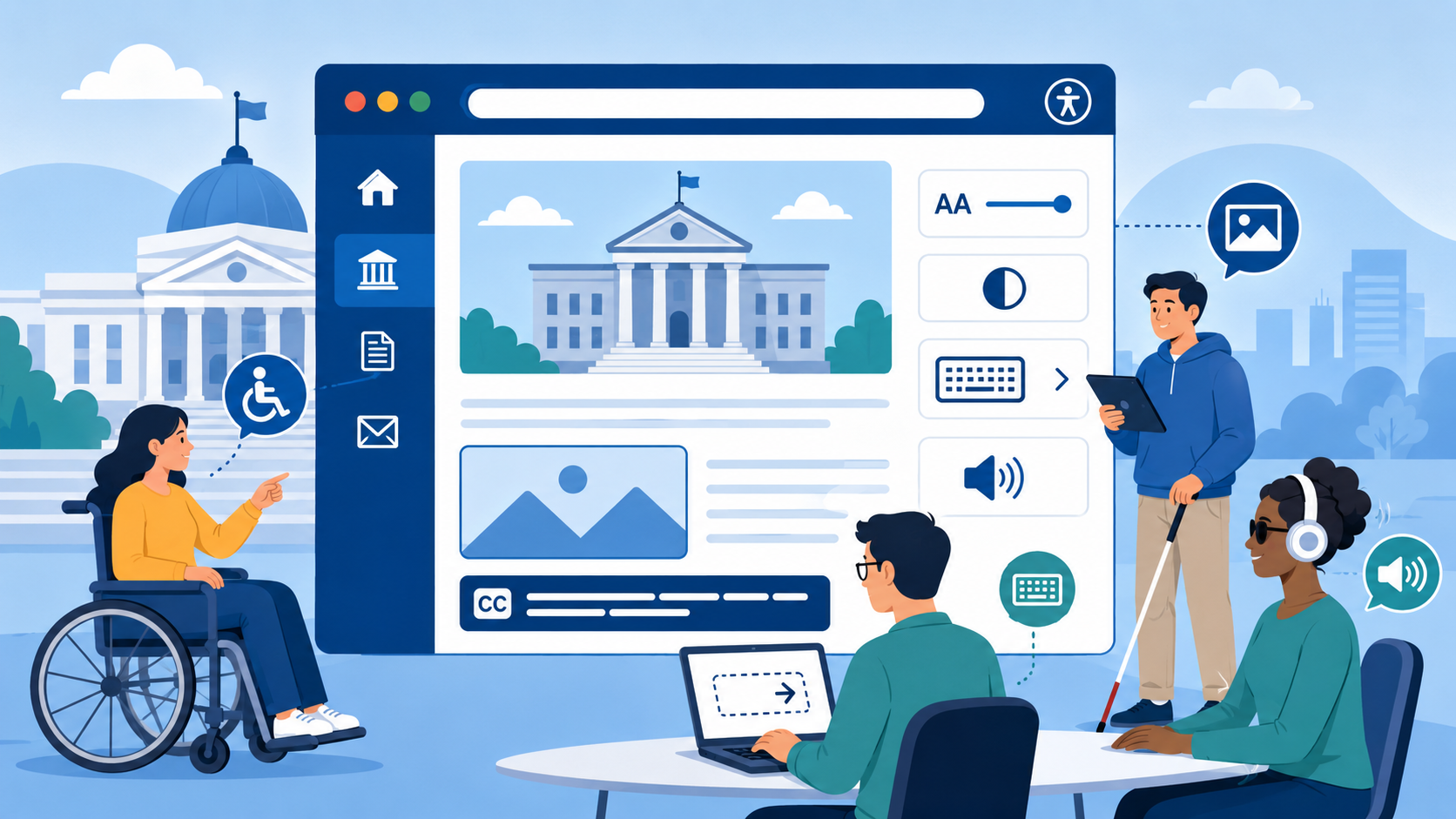
What Is Web Accessibility and Why Are Government Websites Required to Be Accessible?
Web accessibility means everyone can use your website — including people with disabilities. For government agencies, it's also the law. Here's what that means in practice.
Read more →Stay current on government web compliance
Get practical guides and compliance updates delivered to your inbox. No spam — just useful content for public-sector web teams.
Subscribe to updates