
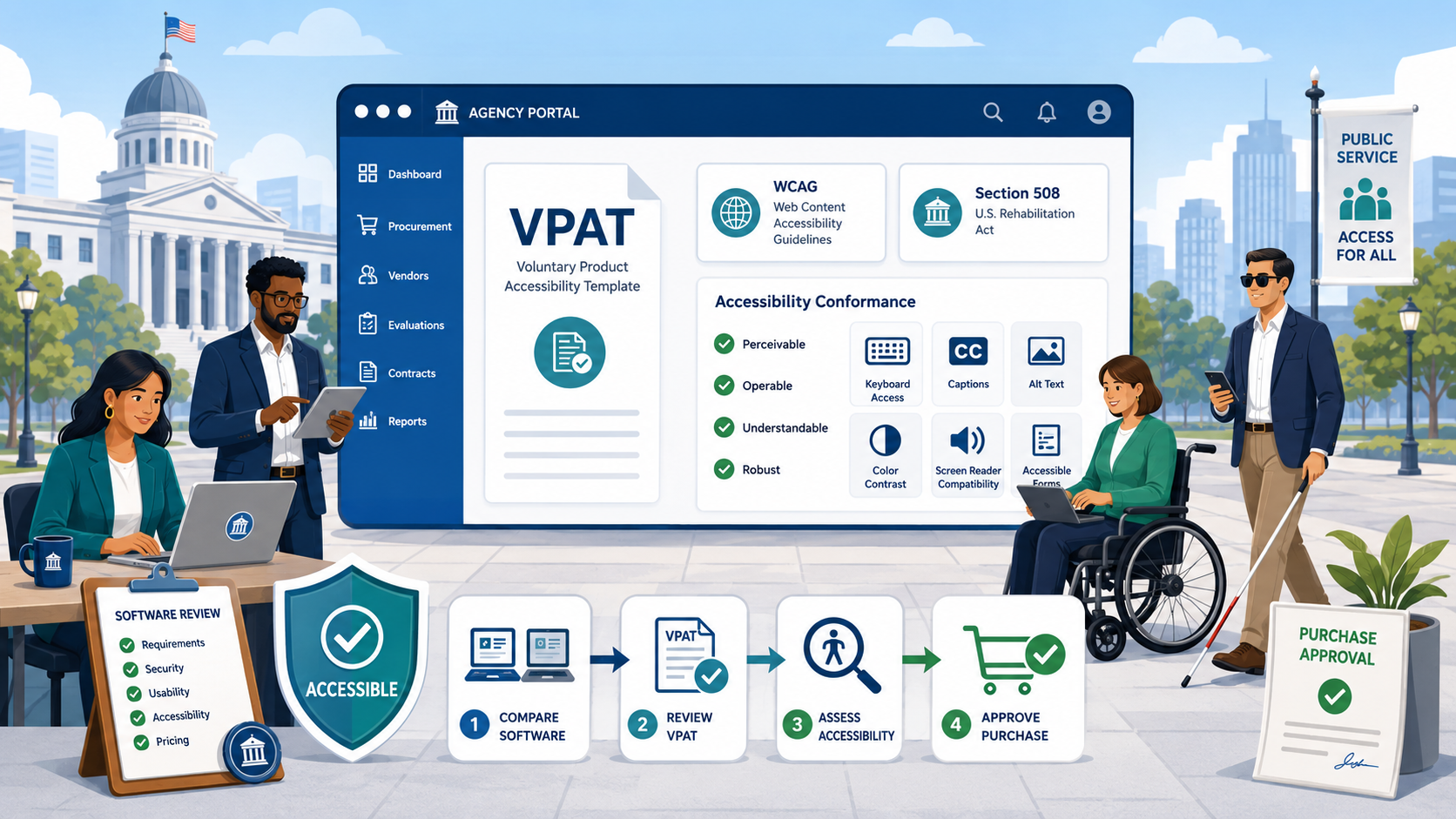
TL;DR: A Voluntary Product Accessibility Template (VPAT) is the standard format vendors use to disclose how their product conforms to Section 508, WCAG, and EN 301 549. The resulting completed document is called an Accessibility Conformance Report (ACR). Most VPATs contain language that sounds reassuring but commits the vendor to nothing. This guide explains what each conformance level means, what red flags to look for, and how to write enforceable accessibility requirements into your RFPs.
Every government website is built from procured software: a CMS, a forms platform, a search engine, an analytics tool, a chat widget, a video player, a payment processor. Under the DOJ’s 2024 ADA Title II final rule, the agency — not the vendor — is responsible if the resulting site fails WCAG 2.1 Level AA. Federal agencies face the same dynamic under Section 508. The procurement process is where most accessibility risk is created or avoided, and the VPAT is the document at the center of it.
What a VPAT Is
The Voluntary Product Accessibility Template is a standardized reporting format published by the Information Technology Industry Council (ITI). It is a template — the vendor fills it in. The completed document is properly called an Accessibility Conformance Report (ACR), though in common usage everyone calls the filled-out document a VPAT.
The current template is VPAT 2.5 (or later revisions), which has four editions:
- WCAG edition — reports conformance against WCAG 2.0, 2.1, or 2.2
- Section 508 edition — reports conformance against the Revised 508 Standards (which incorporate WCAG 2.0 Level AA)
- EU edition — reports conformance against EN 301 549
- INT (International) edition — combines all three
For US state and local government procurement under the DOJ rule, request the WCAG edition at minimum, with WCAG 2.1 Level AA as the target. Federal agencies should request the 508 edition; many vendors provide the INT edition by default. See our comparison of Section 508 vs. ADA Title II for the relationship between the two regimes.
How to Read a VPAT
A VPAT is organized as a table. Each row is a success criterion. Each criterion gets a conformance level and remarks.
The Five Conformance Levels
Vendors choose one of these terms for each criterion:
- Supports — the product fully meets the criterion without exception
- Partially Supports — some functionality does not meet the criterion
- Does Not Support — the product does not meet the criterion
- Not Applicable — the criterion does not apply (no images, no audio, no forms)
- Not Evaluated — only permitted for Level AAA criteria
These terms have specific meanings defined by ITI. “Supports” means full conformance, not “mostly works.” A vendor that claims Supports on 1.1.1 Non-text Content but has decorative images without empty alt attributes is misrepresenting its conformance.
The single most important rule when reading a VPAT: the Remarks column matters more than the conformance level. A vendor may claim “Supports” with a remark that says “supported when implemented per our developer documentation, which requires customers to add alt text on every image.” That is not actually full support — it is a shift of responsibility to your team.
Common VPAT Red Flags
Across hundreds of vendor evaluations, the same problems appear repeatedly:
- Every criterion marked “Supports” with no remarks. No real product fully supports every criterion. This indicates a vendor that filled in the template without actually testing.
- “Supports with exceptions” as a remark. This is not a defined level. Treat it as Partially Supports.
- References to a future release. “Will support in Q3” means the current product does not support.
- Remarks that say “supported via customer configuration.” Means the out-of-the-box product fails.
- VPAT dated more than 18 months ago. Software changes. An old VPAT is unreliable.
- VPAT for “the platform” when you are buying a specific module. Each product or major component needs its own VPAT.
- No mention of testing methodology. A defensible VPAT names the testing tools, assistive technologies, and version evaluated.
- Reliance on accessibility overlays. Overlay widgets do not produce WCAG conformance. A vendor that cites one as their accessibility solution does not understand the rule.
Questions to Ask the Vendor
When evaluating a VPAT, send the vendor these questions in writing:
- What version of the product does this VPAT evaluate?
- When was the testing performed and by whom (internal team or independent third party)?
- What assistive technologies were used in testing?
- For every Partially Supports and Does Not Support row, what is the remediation roadmap?
- Are there any known WCAG failures not disclosed in the VPAT?
- Does the vendor offer accessibility-related contractual commitments (SLAs, indemnification)?
Vendor responses become part of your procurement file and your evidence base if a complaint is filed later.
WCAG vs. Section 508 in Procurement
Federal procurement requires Section 508 conformance under FAR 39.2. State and local procurement is governed by state law, agency policy, and — increasingly — the DOJ ADA Title II rule for any system that touches a public-facing website.
The Revised Section 508 Standards incorporate WCAG 2.0 Level AA by reference and add several additional requirements (hardware accessibility, real-time text, support documentation accessibility). The DOJ rule requires WCAG 2.1 Level AA on public-facing web content. For most procurements you should require both:
- WCAG 2.1 Level AA (rising to 2.2 as available), and
- Section 508 conformance where the product is used to deliver federal program services
The two standards overlap heavily, so this is a small additional ask for vendors.
Writing Accessibility Into RFPs
The procurement process is where you have leverage. Once the contract is signed, accessibility becomes a remediation negotiation instead of a vendor selection criterion. (See our redesign accessibility checklist for how procurement fits into the broader lifecycle.) Write the following into every RFP for software that produces or hosts public-facing web content.
Mandatory Requirements
- The product must conform to WCAG 2.1 Level AA (or 2.2 Level AA where preferred)
- The vendor must provide a current ACR (VPAT) dated within the last 12 months
- The vendor must disclose any known WCAG failures not reflected in the VPAT
- The vendor must commit to addressing newly identified WCAG failures within a defined timeline (typical: 30 days for critical, 90 days for serious, 180 days for moderate)
Evaluation Criteria
Give accessibility explicit weight in the scoring rubric — typically 10 to 20 percent of total points. A pass/fail gate alone leads to all vendors claiming compliance and scoring identical.
Contract Language
The contract should include:
- A representation that the product conforms to the named standard as of the contract date
- An obligation to maintain conformance throughout the contract term
- A right to require remediation at vendor expense for any failure
- An indemnification clause for accessibility-related claims arising from vendor product failures
- A right to terminate for material accessibility failures not remediated within the defined window
These provisions are increasingly standard in state IT contracts. They are far easier to negotiate before signing than after.
Acceptance Testing
Build accessibility into acceptance testing. Before final acceptance:
- Run automated scans against representative pages or screens
- Conduct manual keyboard testing
- Test with at least one screen reader
- Verify the VPAT claims against actual product behavior
If the product does not match the VPAT, that is a basis to reject acceptance or require remediation before payment. See our accessibility audit guide for the testing methodology.
What to Do With Third-Party Components You Already Own
For existing contracts, the process is:
- Inventory every third-party tool that renders content on a public-facing page (CMS plugins, forms, video players, chat widgets, analytics with visible UI, social media embeds, mapping, payment, accessibility overlays).
- Request a current VPAT from each vendor.
- Test each tool against the actual pages where it renders.
- Categorize: fully conforming, partially conforming with workarounds, non-conforming.
- For non-conforming tools, decide: pressure the vendor for a roadmap, replace, or remove.
The DOJ rule does not include a third-party content exception broad enough to shield agencies from non-conforming tools they have chosen to embed. The fact that a payment processor is a vendor product does not relieve the agency of responsibility for the user-facing experience.
Documentation to Keep
Procurement accessibility documentation that should be retained for at least seven years:
- Every VPAT received during evaluation
- Vendor responses to accessibility questions
- Acceptance test results
- Remediation correspondence
- Annual VPAT refreshes from existing vendors
This documentation is what you will need if a complaint is filed under the DOJ complaint process and a regulator asks how the agency made procurement decisions.
Building Procurement Capability
Accessibility expertise in procurement is a discipline. Agencies that succeed:
- Train procurement staff on how to read a VPAT
- Maintain a standard accessibility clause for RFPs
- Maintain a list of approved evaluation criteria and scoring rubrics
- Include the ADA Coordinator in major procurement decisions
- Conduct vendor reviews annually, not just at procurement
Integrate procurement accessibility into the overall website compliance checklist and ADA Title II governance program.
How Govzu Helps
Govzu identifies the third-party scripts, embedded widgets, and external resources loaded on every page of your government website, automatically flagging when vendor components introduce WCAG failures. When a vendor pushes an update that breaks accessibility — a common occurrence with chat widgets, video players, and analytics overlays — Govzu detects the regression within hours rather than the next annual audit. The platform gives procurement and ADA Coordinator teams the evidence base they need to hold vendors accountable to the commitments their VPATs claim.